
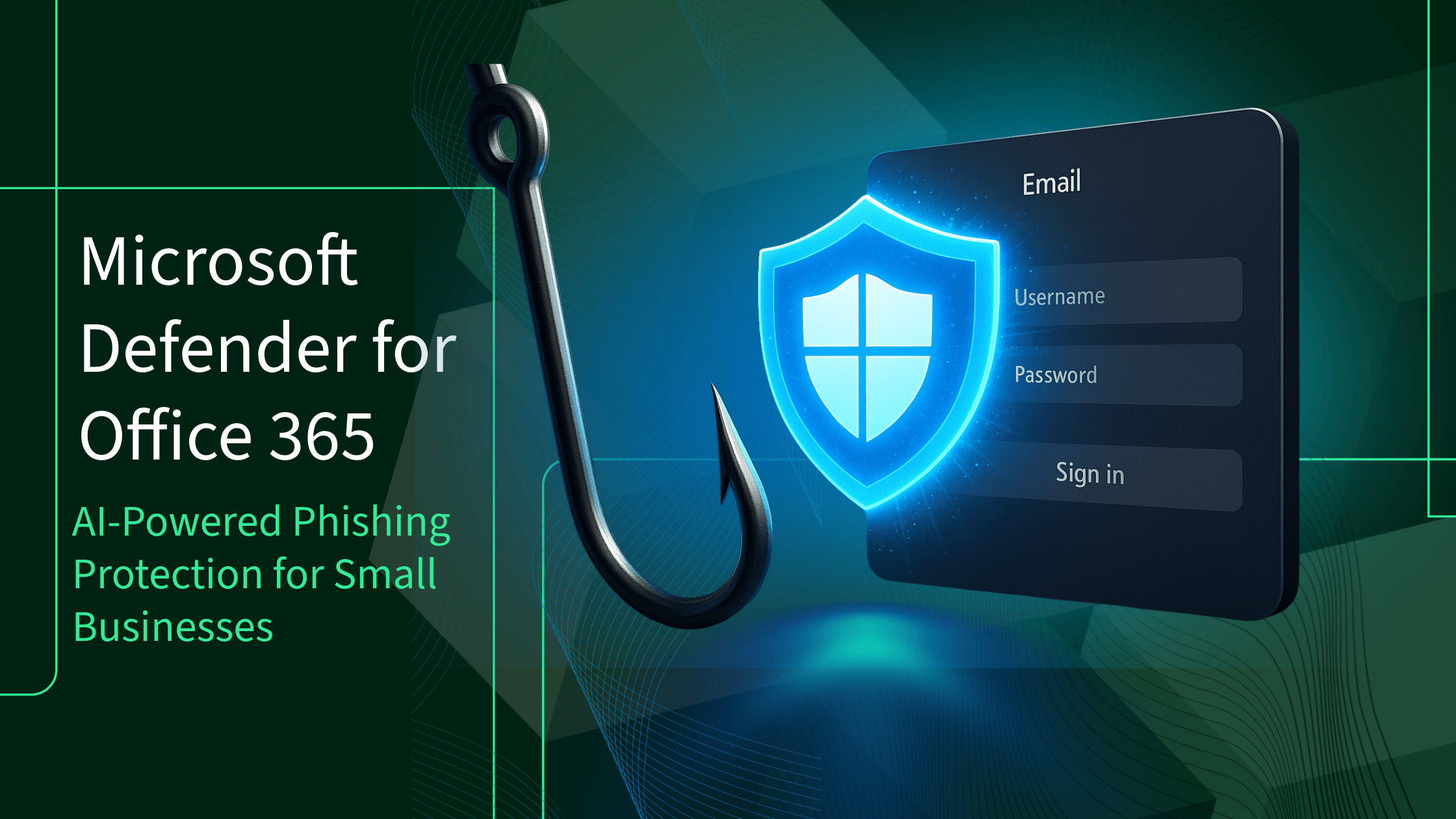
Exploring the Benefits of Windows Defender Antivirus
Windows Defender Antivirus, developed by Microsoft, is a built-in security feature in Windows operating systems. It provides real-time protection against viruses, malware, spyware, and other malicious threats.
One of the key benefits of Windows Defender Antivirus is its seamless integration with Windows. Since it comes pre-installed on Windows 10 and is automatically enabled unless another antivirus program is detected, users can rely on it for basic security needs without the need to download or purchase additional software.
Windows Defender Antivirus offers a range of features to keep your system safe. It includes a full system scan option to thoroughly check for any potential threats, as well as quick scans for regular monitoring. The software also provides real-time protection by continuously monitoring your system for suspicious activities.
Another advantage of Windows Defender Antivirus is its low impact on system performance. Unlike some third-party antivirus programs that can slow down your computer, Windows Defender operates efficiently in the background without causing noticeable lag or interruptions.
In addition to protecting your device from malware, Windows Defender Antivirus also includes features such as firewall and browser protection to enhance overall security. It integrates seamlessly with other Microsoft security tools and services, creating a comprehensive defense strategy for your system.
While Windows Defender Antivirus offers solid protection for most users, it’s important to note that no antivirus software is foolproof. Users should still practice safe browsing habits, keep their operating systems updated, and use additional security measures when necessary.
In conclusion, Windows Defender Antivirus is a reliable choice for basic security needs on Windows systems. Its ease of use, seamless integration with the operating system, and low system impact make it a convenient option for users looking to safeguard their devices against online threats.
6 Essential Tips to Maximize Your Windows Defender Antivirus Protection
- Regularly update Windows Defender to ensure the latest virus definitions are installed.
- Perform full system scans periodically to check for any potential threats on your computer.
- Enable cloud-based protection in Windows Defender settings for real-time threat detection.
- Be cautious when browsing online and avoid clicking on suspicious links or downloading unknown files.
- Use Windows Defender Firewall along with the antivirus program for comprehensive security protection.
- In case of any detected threats, take immediate action by following the recommended steps provided by Windows Defender.
Regularly update Windows Defender to ensure the latest virus definitions are installed.
To maximize the effectiveness of Windows Defender Antivirus, it is crucial to adhere to the tip of regularly updating the software. By ensuring that Windows Defender is up to date, users can guarantee that their system is equipped with the latest virus definitions and security patches. This proactive approach not only enhances the overall protection offered by Windows Defender but also helps in staying ahead of emerging threats and vulnerabilities. Keeping the antivirus software updated is a simple yet essential step in maintaining a secure and resilient system against malicious attacks.
Perform full system scans periodically to check for any potential threats on your computer.
Performing full system scans periodically is a crucial tip for maintaining the security of your computer with Windows Defender Antivirus. By conducting thorough scans, you can proactively detect and eliminate any potential threats that may have infiltrated your system. This proactive approach helps ensure that your computer remains protected against viruses, malware, and other malicious entities that could compromise your data and privacy. Regular full system scans serve as a vital preventative measure to keep your computer running smoothly and securely.
Enable cloud-based protection in Windows Defender settings for real-time threat detection.
To enhance the real-time threat detection capabilities of Windows Defender Antivirus, users can enable cloud-based protection in the settings. By enabling this feature, Windows Defender leverages cloud resources to quickly identify and respond to emerging threats. This proactive approach ensures that users receive up-to-date protection against the latest malware and security risks, enhancing the overall security of their systems. Enabling cloud-based protection in Windows Defender settings is a simple yet effective way to bolster the defense mechanisms of your device and stay ahead of potential threats.
Be cautious when browsing online and avoid clicking on suspicious links or downloading unknown files.
To enhance the effectiveness of Windows Defender Antivirus, it is crucial to exercise caution while browsing online. Avoid clicking on suspicious links or downloading unknown files to minimize the risk of malware infections. By being vigilant and practicing safe browsing habits, you can significantly reduce the chances of encountering malicious threats that may compromise your system’s security. Remember that prevention is key in maintaining a secure online environment, and staying alert can help bolster the protective capabilities of Windows Defender Antivirus.
Use Windows Defender Firewall along with the antivirus program for comprehensive security protection.
For comprehensive security protection on your Windows system, it is recommended to utilize Windows Defender Firewall in conjunction with the Windows Defender Antivirus program. While the antivirus software focuses on detecting and removing malicious software, the firewall acts as a barrier against unauthorized access to your network and helps prevent potential threats from entering your system. By combining the capabilities of both tools, you can create a robust defense strategy that enhances your overall security posture and minimizes the risk of cyber attacks.
In case of any detected threats, take immediate action by following the recommended steps provided by Windows Defender.
In the event of any detected threats by Windows Defender Antivirus, it is crucial to take immediate action by following the recommended steps provided by the software. Promptly addressing potential security risks can help prevent further damage to your system and protect your data from being compromised. By heeding the guidance offered by Windows Defender, you can effectively mitigate the impact of threats and ensure the continued security of your device.
Tags: antivirus software updates, basic security needs, benefits, browser protection, defense strategy, firewall protection, integration, low impact, malware, microsoft security tools, pre-installed, quick scans, real-time protection, security feature, spyware, system performance, system scan option, threats, viruses, windows 10, windows defender antivirus