
The Importance of Windows Antivirus Software
Windows operating systems are widely used around the world, making them a prime target for cyber threats. To protect your computer and personal data from malicious attacks, it is essential to have reliable antivirus software installed on your Windows device.
Antivirus software helps to detect, prevent, and remove malicious software such as viruses, malware, ransomware, and spyware. It acts as a shield against cyber threats that can compromise the security and performance of your computer.
With the constant evolution of cyber threats, having up-to-date antivirus software is crucial. New malware variants are created every day, and without proper protection, your Windows system could be vulnerable to attacks.
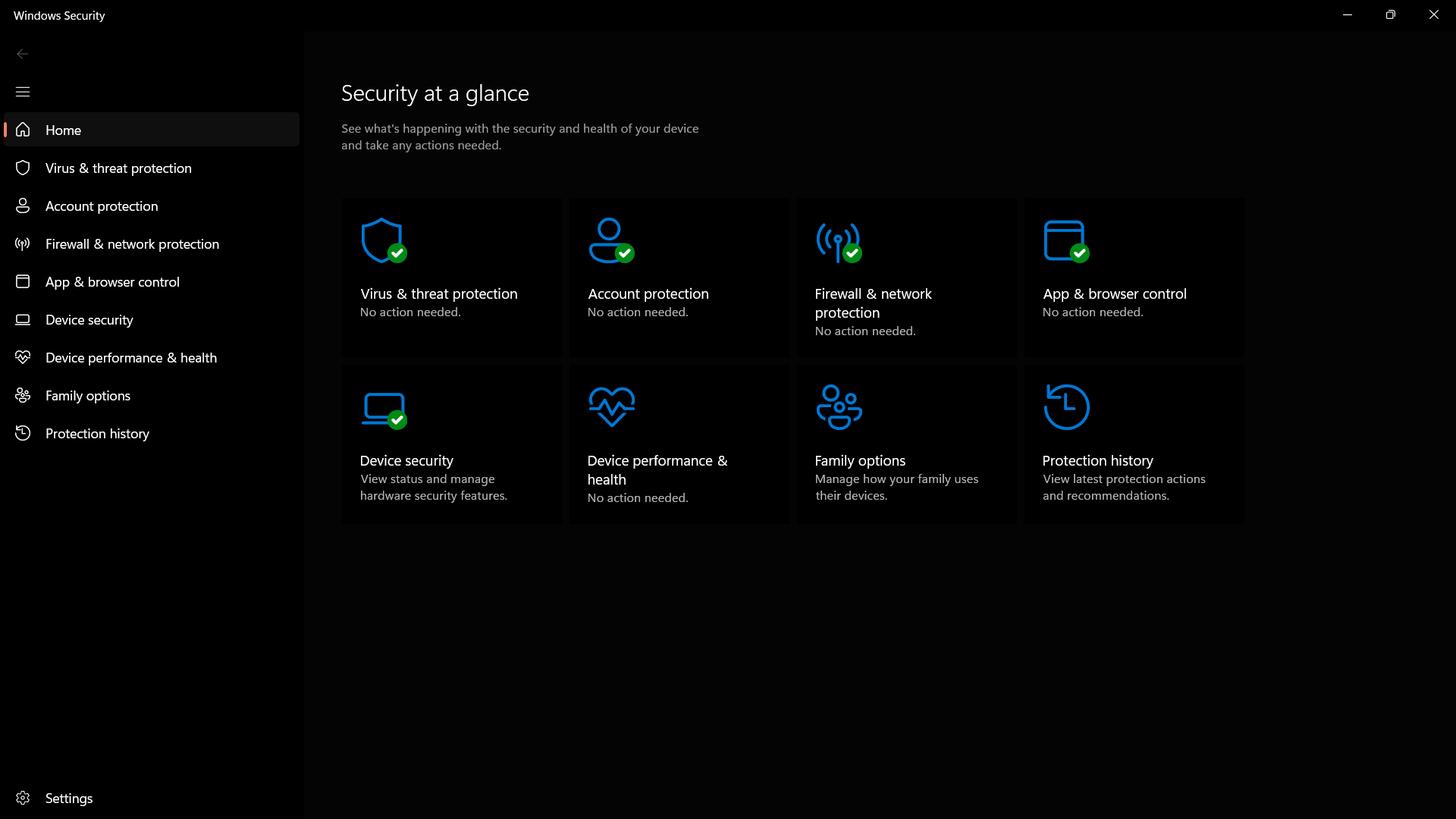
Windows Defender, Microsoft’s built-in security solution for Windows 10 and above, offers basic antivirus protection. However, for comprehensive security features and advanced threat detection capabilities, it is recommended to invest in a third-party antivirus program.
When choosing a Windows antivirus software, consider factors such as real-time scanning, firewall protection, automatic updates, and compatibility with your operating system version. Look for reputable antivirus providers with a track record of effectively combating cyber threats.
By investing in reliable Windows antivirus software, you can safeguard your personal information, financial data, and sensitive files from hackers and cybercriminals. Protecting your Windows device with robust antivirus protection is an essential step in ensuring a secure computing experience.
7 Essential Tips for Protecting Your Windows System with Antivirus Software
- Install a reputable antivirus software on your Windows system.
- Ensure your antivirus software is always up to date to protect against the latest threats.
- Run regular scans of your system to check for any malware or viruses.
- Be cautious when opening email attachments or clicking on links from unknown sources.
- Avoid visiting suspicious websites that may contain malicious content.
- Enable the firewall on your Windows system for an added layer of protection.
- Consider using additional security measures such as anti-malware software and browser extensions.
Install a reputable antivirus software on your Windows system.
To enhance the security of your Windows system, it is highly recommended to install a reputable antivirus software. By choosing a trusted antivirus program, you can effectively defend your computer against various cyber threats such as viruses, malware, and ransomware. With real-time scanning and threat detection capabilities, a reliable antivirus software provides a crucial layer of protection to safeguard your personal data and sensitive information from potential attacks. Prioritizing the installation of reputable antivirus software on your Windows system is a proactive measure that can help prevent security breaches and ensure a safer computing environment.
Ensure your antivirus software is always up to date to protect against the latest threats.
It is crucial to ensure that your antivirus software is always up to date in order to effectively protect your Windows system against the latest cyber threats. Keeping your antivirus program current allows it to detect and defend against new malware variants, viruses, and other malicious software that may attempt to compromise the security of your computer. Regular updates ensure that your antivirus software has the latest threat definitions and security patches, strengthening its ability to safeguard your personal data and sensitive information from potential attacks. By staying proactive with updates, you can maintain a strong defense against evolving cybersecurity risks and enjoy a more secure computing environment on your Windows device.
Run regular scans of your system to check for any malware or viruses.
Running regular scans of your system is a crucial tip for maintaining the security of your Windows device. By conducting routine scans, you can proactively detect and eliminate any malware or viruses that may have infiltrated your system. This proactive approach helps to ensure that your computer remains free from malicious threats, safeguarding your data and preserving the performance of your device. Remember to schedule periodic scans or perform manual checks to stay vigilant against potential security risks and keep your Windows system protected at all times.
Be cautious when opening email attachments or clicking on links from unknown sources.
It is crucial to exercise caution when dealing with email attachments or clicking on links from unknown sources, especially when it comes to maintaining the security of your Windows device. Cybercriminals often use email as a common method to distribute malware and phishing attacks. By being vigilant and refraining from opening suspicious attachments or clicking on unfamiliar links, you can significantly reduce the risk of falling victim to malicious software that could compromise your system’s security and put your personal data at risk.
Avoid visiting suspicious websites that may contain malicious content.
To enhance the effectiveness of your Windows antivirus software, it is crucial to exercise caution while browsing the internet. Avoid visiting suspicious websites that may contain malicious content, as they can pose a significant threat to your computer’s security. These websites often host malware and phishing scams designed to exploit vulnerabilities in your system. By staying vigilant and refraining from clicking on unknown links or downloading files from untrusted sources, you can minimize the risk of encountering harmful threats online. Remember that prevention is key when it comes to protecting your Windows device from cyber attacks.
Enable the firewall on your Windows system for an added layer of protection.
Enabling the firewall on your Windows system is a crucial step in enhancing your overall security posture. The firewall acts as a barrier between your computer and potential threats from the internet, monitoring and controlling incoming and outgoing network traffic. By activating the firewall, you add an extra layer of defense that helps prevent unauthorized access to your system and blocks malicious software from infiltrating your device. Taking this simple yet effective measure can significantly bolster your system’s security and minimize the risk of cyber attacks.
Consider using additional security measures such as anti-malware software and browser extensions.
When it comes to enhancing your Windows antivirus protection, it is advisable to consider implementing additional security measures such as anti-malware software and browser extensions. Anti-malware software can provide an extra layer of defense against various types of malicious software that may evade traditional antivirus detection. Browser extensions designed for security purposes can help block harmful websites, prevent phishing attacks, and enhance your online browsing safety. By combining these supplementary security tools with your Windows antivirus software, you can strengthen your overall cybersecurity posture and better protect your digital assets from potential threats.
Tags: antivirus software, automatic updates, compatibility, cyber threats, financial data, firewall protection, malware, performance, personal information, ransomware, real-time scanning, reputable antivirus providers, security, sensitive files, spyware, third-party antivirus program, windows, windows antivirus, windows defender