
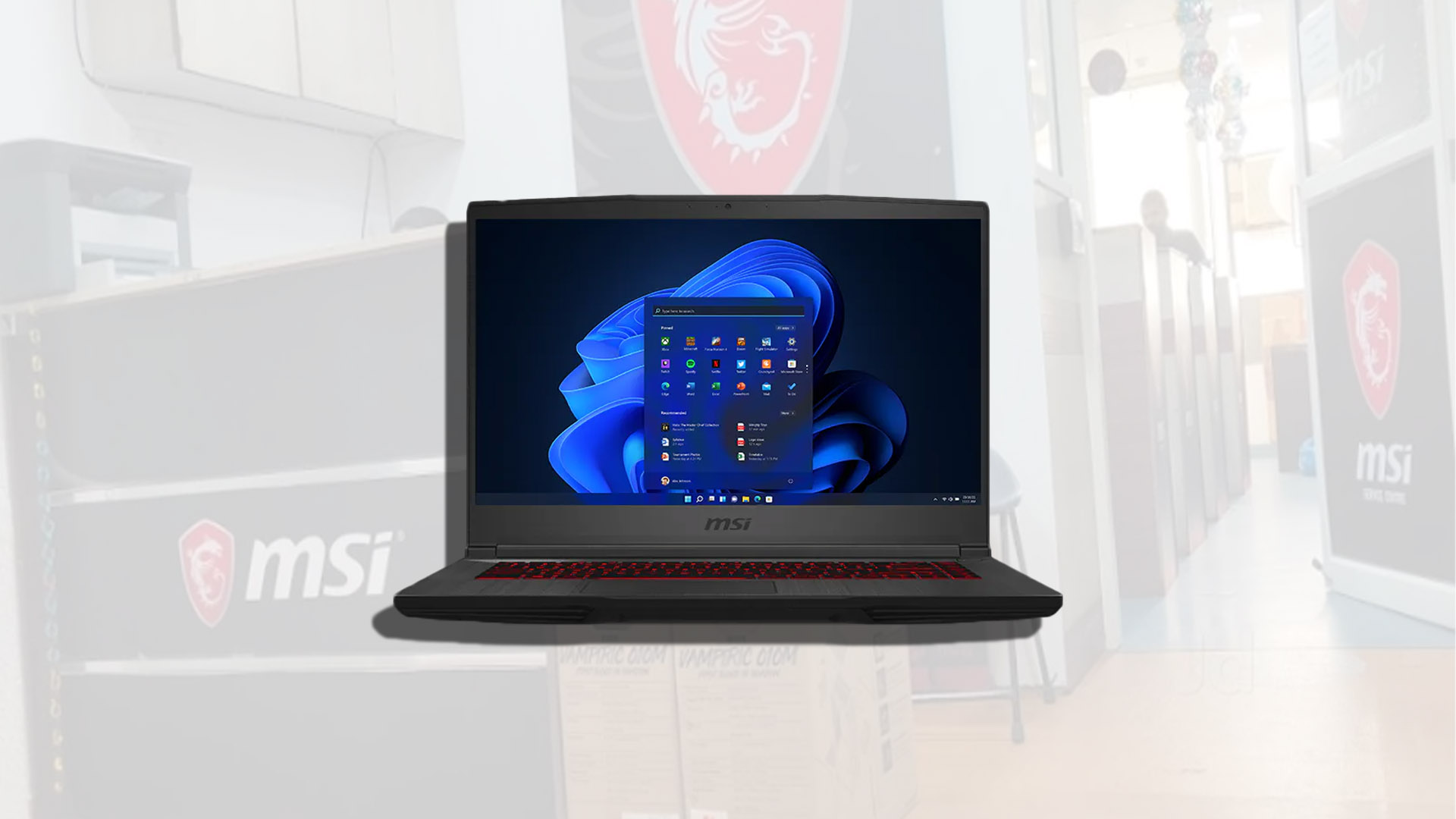
MSI Gaming Laptops: What to Know Before You Buy
MSI gaming laptops are designed for players who want strong performance in a portable computer. The lineup includes everything from relatively compact models for everyday gaming to powerful systems built for demanding games, creative work, and high-refresh-rate displays. Choosing the right one depends on your budget, the games you play, and how often you plan to take your laptop on the go.
What Makes an MSI Gaming Laptop Different?
MSI offers gaming laptops with performance-focused processors, dedicated graphics, fast displays, and cooling systems designed to manage heat during demanding tasks. Many models also include customizable keyboard lighting and gaming-oriented software for adjusting performance settings.
Features vary by model and configuration. Two laptops with similar names may have different graphics chips, display resolutions, memory, or storage, so check the specifications of the exact version before buying.
Choosing the Right Performance Level
The graphics processor, or GPU, has a major impact on gaming performance. Entry-level configurations can suit popular competitive games and less demanding titles, while more powerful GPUs are better for newer games, higher visual settings, and higher-resolution displays.
The processor also matters, particularly for games that rely heavily on CPU performance, streaming, and multitasking. For a balanced setup, compare the processor and GPU together rather than focusing on one specification alone. It is also worth checking the laptop’s cooling design and power limits, since those can affect sustained performance.
Display, Memory, and Storage
- Display refresh rate: A higher refresh rate can make motion look smoother, especially in fast-paced games. The benefit depends on whether the laptop can produce enough frames per second.
- Resolution: Full HD is a practical choice for many gaming laptops. Higher resolutions can provide a sharper image but require more graphics power.
- Memory: More RAM can help with modern games, multitasking, and creative applications. Check whether the memory is upgradeable before purchasing.
- Storage: A solid-state drive helps games and applications load quickly. If you keep a large game library, consider the drive capacity and whether there is room for an additional SSD.
Portability, Battery Life, and Cooling
Gaming laptops trade some portability for performance. More powerful models are often heavier, use larger power adapters, and may produce more fan noise under load. Battery life can also be limited during gaming, so demanding play is usually best done while plugged in.
If you plan to carry your laptop regularly, compare its weight, dimensions, charger size, and battery capacity. If it will mostly stay on a desk, a larger model may offer a bigger display and more room for cooling.
MSI Gaming Laptop Families
MSI’s gaming range includes several families, with different priorities in performance, design, and portability. The names and available configurations can change over time, so use a product family as a starting point—not a substitute for reviewing the exact model’s specifications. Compare the GPU, display, cooling features, ports, and upgrade options for each configuration.
Who Should Consider an MSI Gaming Laptop?
An MSI gaming laptop may be a good fit for someone who wants a portable PC for gaming, school, work, or content creation. It can also suit players who need a built-in display and keyboard instead of a desktop setup. However, a desktop computer may offer more performance for the money if portability is not important.
How to Choose Before You Buy
- Set a budget. Include the cost of accessories such as a mouse, headset, or external monitor.
- List your main games and applications. Their recommended requirements can help you choose an appropriate GPU and processor.
- Compare the exact configurations. Check the graphics chip, memory, storage, screen, and operating system.
- Consider upgrades. Confirm whether RAM or storage can be expanded and whether doing so affects the warranty.
- Read reviews and warranty details. Look for information about real-world performance, fan noise, temperatures, build quality, and support.
Final Thoughts
MSI gaming laptops cover a broad range of needs, from portable everyday systems to high-performance machines for demanding games. The best choice is not necessarily the most powerful or expensive model—it is the one that matches your games, budget, portability needs, and preferred display. Compare the full specifications of the exact configuration, and consider performance, cooling, and upgrade options together before making a decision.
Top 9 Benefits of Choosing an MSI Gaming Laptop for Gamers and Creatives
- Powerful performance for gaming
- Wide range of models and budgets
- Fast, high-refresh-rate display options
- Dedicated graphics for demanding games
- Customizable keyboard lighting
- Effective cooling on many models
- Suitable for gaming and creative work
- Upgradeable memory or storage on select models
- Portable alternative to a desktop gaming PC
Considerations for MSI Gaming Laptops: Battery Life, Portability, and Noise Levels
- Battery life can be limited during gaming.
- Powerful models may be bulky and heavy.
- Fans can get loud under load.
Powerful performance for gaming
MSI gaming laptops are built to deliver powerful performance for gaming, with dedicated graphics and capable processors that help run demanding titles smoothly. Depending on the model and configuration, they can support detailed visuals, responsive gameplay, and high frame rates—making it easier to enjoy fast-paced games and immersive worlds.
Wide range of models and budgets
One of the key advantages of MSI gaming laptops is the wide range of models and budgets available. Whether you’re looking for an affordable laptop for casual gaming, a balanced system for school and entertainment, or a high-performance machine for demanding games, MSI offers options with different processors, graphics cards, displays, and features. This variety makes it easier to choose a laptop that fits both your gaming needs and your budget.
Fast, high-refresh-rate display options
MSI gaming laptops offer fast, high-refresh-rate display options that can make gameplay look smoother and more responsive. This is especially useful in fast-paced games, where clearer motion can help players track on-screen action. Available refresh rates vary by model, so compare the display specifications and choose one that fits your games and performance needs.
Dedicated graphics for demanding games
MSI gaming laptops with dedicated graphics are built to handle demanding games more effectively than systems that rely only on integrated graphics. A separate GPU can deliver smoother gameplay, richer visual effects, and support for higher graphics settings, depending on the model and game. This also makes these laptops useful for graphics-intensive tasks such as video editing and 3D design. Because performance varies across configurations, check the specific GPU and its capabilities when choosing a model.
Customizable keyboard lighting
Customizable keyboard lighting adds both style and practicality to an MSI gaming laptop. Depending on the model, you can choose colors and lighting effects to match your setup, highlight keys you use most, or make controls easier to find in a dim room. It’s a useful way to personalize your laptop while adding a more immersive feel to gaming sessions.
Effective cooling on many models
Many MSI gaming laptops feature cooling systems designed to help manage heat during demanding games and other intensive tasks. Depending on the model, these systems may use multiple fans and heat pipes to move heat away from key components and support more consistent performance. Cooling effectiveness varies across the lineup, so it’s worth checking reviews of the specific model for information about temperatures and fan noise.
Suitable for gaming and creative work
MSI gaming laptops can be a versatile choice for both gaming and creative work. Their dedicated graphics, capable processors, and fast displays can support demanding games as well as tasks such as photo editing, video production, and graphic design. Depending on the model, ample memory and storage can also make it easier to run creative applications and manage large project files. Performance varies by configuration, so choose a model that fits the requirements of the games and software you use.
Upgradeable memory or storage on select models
One advantage of select MSI gaming laptops is the ability to upgrade the memory or storage. Adding RAM can help with multitasking and demanding games, while installing a larger SSD gives you more room for games, apps, and files. Upgrade options vary by model, so check the laptop’s specifications and warranty terms before making changes.
Portable alternative to a desktop gaming PC
An MSI gaming laptop offers a portable alternative to a desktop gaming PC, combining a display, keyboard, and powerful components in one device. It’s easy to move between rooms, take to school or work, or bring along when traveling, without giving up access to PC games and applications. While a gaming desktop may offer more upgrade flexibility, an MSI laptop can be a practical choice for players who want gaming performance in a setup that travels with them.
Battery life can be limited during gaming.
Battery life can be limited when gaming on an MSI laptop, especially during demanding titles that put heavy workloads on the processor and graphics card. These components draw more power than everyday tasks like browsing or streaming, so the battery may drain quickly while playing. For longer gaming sessions, keep the laptop plugged into its power adapter and check independent battery tests if portability is a priority.
Powerful models may be bulky and heavy.
Powerful MSI gaming laptops often need larger cooling systems, stronger components, and bigger batteries, which can make them bulky and heavy. That extra size may be a drawback if you carry your laptop to work, school, or gaming events, and the power adapter can add even more weight to your bag. If portability matters, compare the laptop’s weight and dimensions before buying.
Fans can get loud under load.
One downside of MSI gaming laptops is that their fans can get loud during demanding games or other intensive tasks. The cooling system works harder to manage heat, which may be distracting in a quiet room or during voice calls. Using a headset can help, but anyone who prioritizes quieter operation should compare noise levels in reviews before choosing a model.
Tags: battery life, budget, content creation, cooling system, display refresh rate, gaming laptop buying guide, gaming laptop families, gaming laptop reviews, gaming performance, gpu, laptop configurations, msi gaming laptop, msi gaming laptops, performance comparison, portability, processor, ram, resolution, ssd storage, upgrade options, warranty