
MacBook Price Guide: What to Expect When Buying a MacBook
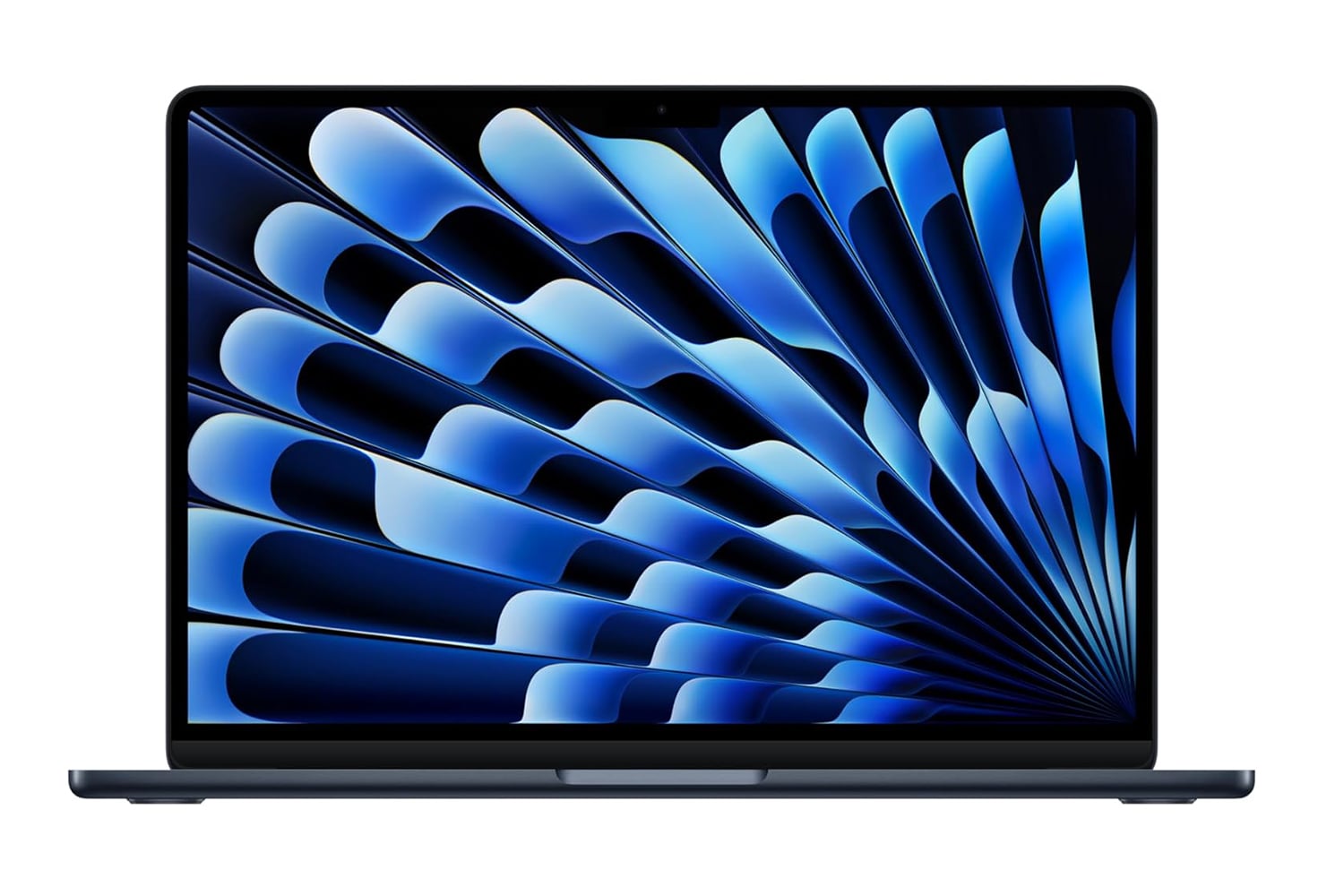
MacBook prices in the United States vary based on the model, screen size, chip, memory, and storage. Apple’s MacBook Air is generally the more affordable option for everyday use, while the MacBook Pro costs more and is designed for demanding creative and professional work. Sales, refurbished models, and education discounts can also make a noticeable difference in the final price.
Because Apple updates its lineup and pricing over time, check Apple’s website and authorized retailers for current prices before you buy. The ranges below are general guidance, not a live price list.
Typical MacBook Price Ranges
- MacBook Air: Often starts around $999 for a standard configuration. Larger screens and upgrades to memory or storage raise the price.
- 14-inch MacBook Pro: Commonly starts at a higher price than the Air, with configurations often costing $1,500 or more.
- 16-inch MacBook Pro: Usually the most expensive standard MacBook option, with higher-end configurations reaching several thousand dollars.
- Refurbished or previous-generation MacBooks: May cost less than a new model, depending on condition, configuration, and availability.
These prices can change when Apple releases new models or retailers run promotions. Sales tax is usually added at checkout, so the final amount may be higher than the listed price.
What Affects the Price of a MacBook?
Model and screen size
The MacBook Air typically offers the lowest entry price and is well suited to everyday tasks such as browsing, writing, video calls, and streaming. MacBook Pro models generally cost more because they offer features aimed at heavier workloads, such as advanced displays and more powerful chip options. Larger screen sizes also tend to come at a higher price.
Chip and performance
Different chip configurations can affect both the price and the kinds of tasks a MacBook handles comfortably. For everyday computing, a base configuration may be enough. Video editing, software development, 3D work, and other demanding tasks may benefit from a more powerful chip.
Memory and storage
Upgrading unified memory or storage can add substantially to the purchase price. More memory can help when running demanding applications or working with large projects. Extra storage is useful for keeping files and media on the computer, though cloud storage or an external drive may be a more economical option for some buyers.
Retailer discounts and promotions
Apple’s listed price is not always the lowest available price. Authorized retailers may discount new models, especially during major shopping periods or when a newer generation is released. Compare the exact model and configuration, since two MacBooks with similar names may have different specifications.
Which MacBook Offers the Best Value?
The best value depends on how you plan to use your computer. For school, general office work, browsing, and travel, a MacBook Air is often a practical choice. It provides a capable everyday experience without the added cost of a Pro model.
A MacBook Pro may be worth the higher price if your work regularly involves demanding applications, large creative projects, or sustained heavy workloads. Before paying for a more expensive configuration, consider whether you will actually use its additional performance and features.
How to Pay Less for a MacBook
- Compare retailers: Check the same chip, memory, storage, and screen size across several sellers.
- Look for education pricing: Eligible students, educators, and institutions may qualify for special offers.
- Consider Apple Certified Refurbished: Refurbished devices can offer savings, but review the warranty and return policy.
- Choose the configuration you need: Avoid paying for upgrades that will not benefit your normal workload.
- Compare older models carefully: A discounted previous-generation MacBook may be a good deal, but check its features, software support, and warranty.
- Include accessories in your budget: A case, adapter, external storage, or other accessories can increase the total cost.
Is a MacBook Worth the Price?
A MacBook can be a worthwhile purchase if its performance, battery life, build, and software fit your needs. However, the most expensive model is not automatically the best choice. Compare the total cost with your budget and the tasks you expect the computer to handle over the next few years.
In short, MacBook Air models are generally the best place to start for shoppers seeking a lower price, while MacBook Pro models are better suited to people who need additional performance or features. Confirm the current price and configuration before buying, and compare the final checkout total—not just the advertised starting price.
5 Tips for Finding the Best MacBook Price
- Compare prices across Apple and authorized retailers.
- Check for student or educator discounts.
- Consider refurbished models for lower prices.
- Watch for sales during major shopping events.
- Compare total cost, including upgrades and accessories.
Compare prices across Apple and authorized retailers.
Before buying a MacBook, compare the price of the exact same model and configuration at Apple and authorized retailers. Check the chip, memory, storage, and screen size carefully, since small differences can affect the price and performance. Retailers may offer discounts, bundles, or seasonal promotions, while Apple may provide options such as education pricing or certified refurbished models. Compare the final checkout cost, including taxes, shipping, and any included accessories, to find the best overall value.
Check for student or educator discounts.
If you’re a student or educator, check for education discounts before buying a MacBook. Apple and other retailers may offer special pricing or seasonal promotions for eligible students, teachers, and school staff. Compare the discounted price with current sales elsewhere, and review the eligibility requirements to make sure you qualify.
Consider refurbished models for lower prices.
Consider a refurbished MacBook if you’re looking to save money. Apple Certified Refurbished devices and reputable retailers’ refurbished models may cost less than new ones while still offering reliable performance. Before buying, check the MacBook’s condition, specifications, warranty, return policy, and battery health so you know exactly what you’re getting.
Watch for sales during major shopping events.
Watch for sales during major shopping events, such as Black Friday, Cyber Monday, and back-to-school season, when retailers may offer discounts on MacBooks. Compare prices across Apple and authorized sellers, and check that the deal applies to the exact model and configuration you want. Some promotions include gift cards or bundles instead of a direct discount, so compare the total value before you buy.
Compare total cost, including upgrades and accessories.
When comparing MacBook prices, look beyond the advertised starting price and calculate the total cost of the setup you need. Upgrades such as additional memory or storage can raise the price, while accessories like a case, adapter, external drive, or software may add even more. Comparing complete configurations helps you choose a MacBook that fits your needs and budget without unexpected expenses.
Tags: apple authorized retailers, apple silicon chip, education pricing, macbook accessories, macbook air price, macbook buying guide, macbook configuration, macbook deals, macbook discounts, macbook memory and storage, macbook models, macbook performance, macbook price, macbook price guide, macbook price ranges, macbook pro price, macbook screen size, macbook total cost, macbook value, refurbished macbook