
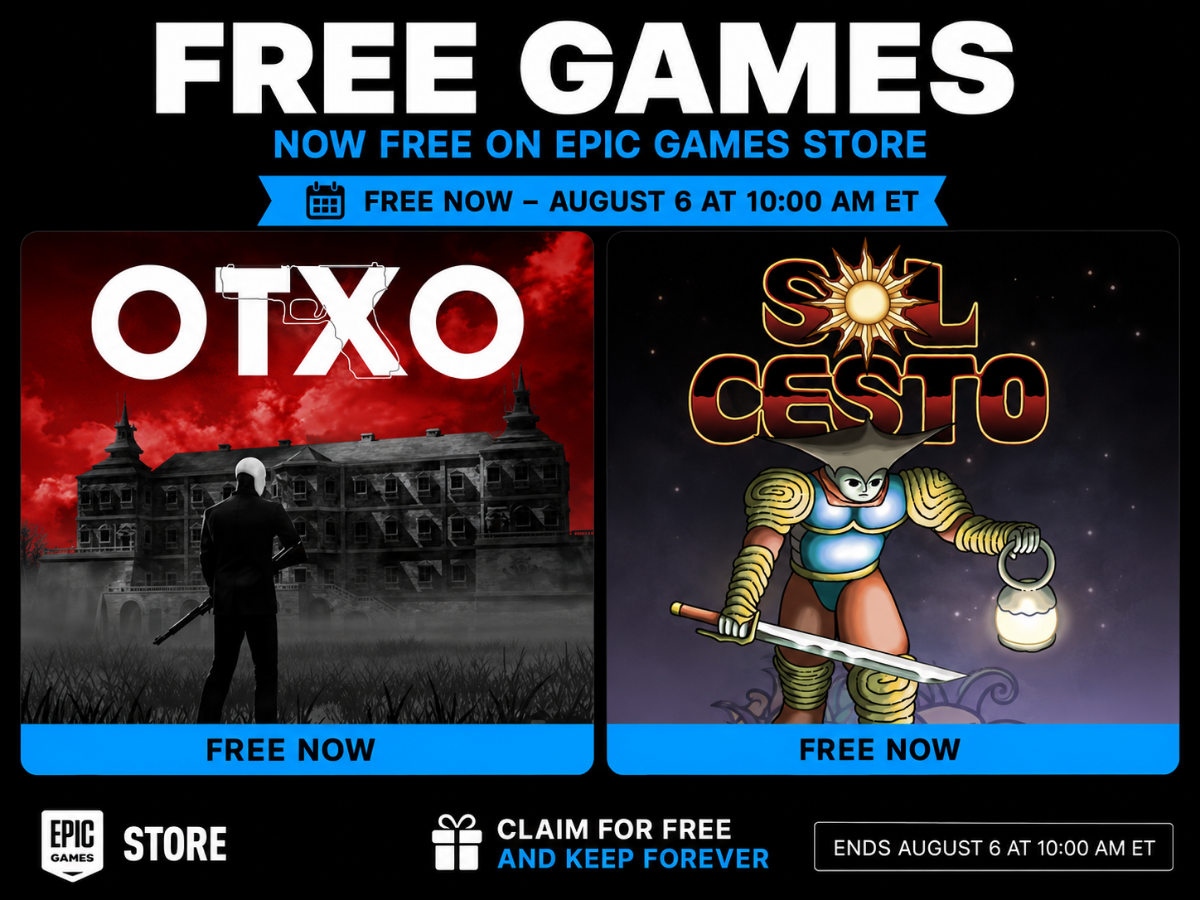
Epic Games Free Games: How to Find, Claim, and Play Them
Epic Games free games are a popular way to build a PC gaming library without paying for every title. Through the Epic Games Store, players can claim selected games at no cost during limited-time promotions. Once a qualifying game is claimed, it is generally added to the player’s Epic Games account to keep, even after the offer ends.
Giveaway titles change regularly, so the best way to see what’s available is to check the Epic Games Store’s official free-games page. Here’s how the program works and how to make the most of it.
How Epic Games Free Games Work
Epic Games offers a rotating selection of free games. Many giveaways run for about a week, although schedules can vary. Special promotions may feature a different schedule or several games, so check the store for the current offer and its end date.
To get a giveaway, sign in to an Epic Games account, open the game’s store page, and select the option to claim or get it for free. After completing checkout, the game should appear in the account’s library. You can download it and play it later, as long as you keep access to the account and the game remains supported.
How to Claim a Free Game
- Visit the Epic Games Store website or open the Epic Games Launcher.
- Sign in to your Epic Games account, or create one if you don’t have an account.
- Open the Free Games section and choose an available giveaway.
- Select the free purchase option and complete checkout.
- Find the game in your library and install it when you’re ready to play.
Claim the game before the promotion ends. Adding a game to your library is different from installing it: in most cases, you can claim it during the offer and download it later.
Are Epic Games Free Games Free Forever?
Giveaway games claimed through the Epic Games Store are generally yours to keep in your Epic account after the promotion ends. The offer’s end date is the deadline to claim the game, not usually a deadline for playing it.
This is different from a free trial, which may provide access only for a limited period. Always review the game’s store page and promotion details for any specific conditions.
Free Games and Free-to-Play Games Are Not the Same
The Epic Games Store also has free-to-play games. These titles can be downloaded and played at no cost, but they may offer optional purchases, such as cosmetic items, expansions, or in-game currency. A limited-time giveaway, on the other hand, makes a normally paid game free to claim during a specific promotion.
Both types can be found in the store, but checking the offer details helps you understand whether a game is a permanent free-to-play title or a temporary giveaway.
Where to Find the Current Free Games
The Epic Games Store’s official Free Games page is the most reliable place to see current and upcoming offers. The Epic Games Launcher also displays featured giveaways. Since the selection changes, avoid relying on old lists or screenshots that may show expired promotions.
Tips for Getting the Most Out of Epic Giveaways
- Check regularly: Giveaways are available for a limited time, and the schedule can change.
- Look at the end date: Each offer’s store page shows when the promotion expires.
- Read the system requirements: A free game still needs compatible hardware and enough storage space.
- Claim first, install later: If you’re unsure whether you’ll play right away, claim the offer while it’s active.
- Secure your account: Use a unique password and enable two-factor authentication when available.
Frequently Asked Questions
Do I need to install the Epic Games Launcher to claim a game?
No. You can usually claim games through the Epic Games Store website. The launcher is used to download and manage many PC games from your library.
Can I claim a game on my phone?
You can visit the Epic Games Store website on a mobile browser and sign in to check whether an offer can be claimed there. Availability and checkout options may depend on the game, region, and device.
Can I play an Epic Games Store giveaway on a console?
Epic Games Store PC giveaways are for the PC version of a game and do not automatically provide a console copy. Console access, if available, is handled separately through the relevant platform and its store.
Why can’t I see a free game in my library?
Make sure you’re signed in to the same Epic account used to claim it. Also check whether checkout was completed and whether the game is hidden or filtered out in the library.
Final Thoughts
Epic Games free games make it possible to grow a PC game collection through rotating, limited-time giveaways. Check the official store for the latest offers, claim titles before their deadlines, and review each game’s requirements before downloading. With a little regular browsing, you may discover a new favorite without paying its usual price.
Everything You Need to Know About Epic Games’ Free Games: FAQs and Updates
- Is Epic Games free games actually free?
- What are the free games for Epic Games 2026?
- What is todays free game in Epic Games?
- Which game will be free on Epic Games today?
- Is GTA V free in Epic Games?
Is Epic Games free games actually free?
Yes, Epic Games’ limited-time free games are actually free to claim—there’s no purchase price during the promotion. Once claimed, a game is generally added to your Epic Games account to keep and play later, although you’ll need an account and an internet connection to claim or download it. Check the offer’s dates and details, and remember that some games may include optional in-game purchases.
What are the free games for Epic Games 2026?
The free games on the Epic Games Store in 2026 change regularly, so there isn’t one fixed list for the entire year. To see which games are currently available, visit the store’s official Free Games page or check the Epic Games Launcher; each offer includes its title and claim deadline. Games claimed during a promotion are generally added to your Epic account to keep, even after the offer ends.
What is todays free game in Epic Games?
Epic Games’ free game changes regularly, so the title available today depends on the current promotion. Check the “Free Games” section of the Epic Games Store or Epic Games Launcher for the latest offer and its claim deadline. Once you claim a giveaway before it expires, it’s generally added to your account library to keep.
Which game will be free on Epic Games today?
The free game on the Epic Games Store changes regularly, so the title available today depends on the current promotion. Check the official Epic Games Store Free Games page for the latest listing and its claim deadline. If a game is shown as free, add it to your library before the offer ends; once claimed, it is generally yours to keep in your Epic account.
Is GTA V free in Epic Games?
GTA V is not regularly free on the Epic Games Store. Epic offered Grand Theft Auto V: Premium Edition as a free-to-keep game for a limited time in May 2020, but that promotion has ended. Check the Epic Games Store’s official page for current offers, since availability and prices can change.
Tags: claim free games, current free games, epic games account, epic games free games, epic games launcher, epic games store, free game giveaways, free-to-play games, game download, game library, limited-time promotions, pc games, pc gaming library, system requirements, two-factor authentication