
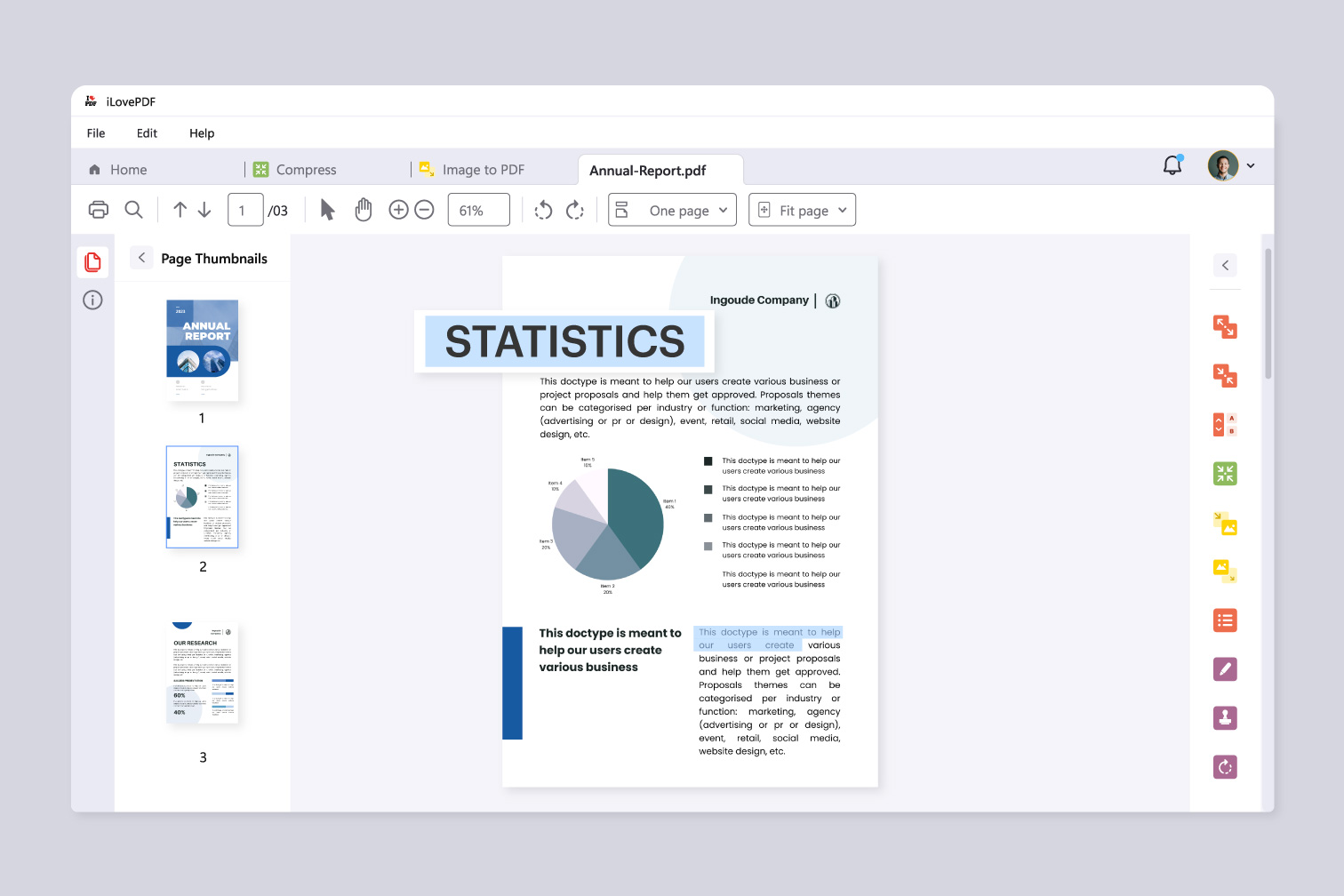
The Best Free PDF Reader for Windows
When it comes to viewing and working with PDF files on your Windows computer, having a reliable PDF reader is essential. While there are many paid options available, you don’t necessarily have to break the bank to access quality features. In fact, there are several excellent free PDF readers for Windows that offer a wide range of functionalities.
Adobe Acrobat Reader DC
Adobe Acrobat Reader DC is one of the most popular PDF readers in the world. It allows you to view, print, and annotate PDF files with ease. With features like text highlighting, commenting, and digital signing, Adobe Acrobat Reader DC is a versatile tool for both personal and professional use.
Foxit Reader
Foxit Reader is another top choice for a free PDF reader on Windows. It offers a user-friendly interface and supports various viewing modes, including full-screen and slideshow. Foxit Reader also provides tools for adding comments, filling out forms, and collaborating on documents.
SumatraPDF
If you’re looking for a lightweight and fast PDF reader, SumatraPDF is an excellent option. Despite its small size, SumatraPDF offers essential features like bookmarking, text searching, and page navigation. It’s perfect for users who prefer simplicity and efficiency.
Nitro PDF Reader
Nitro PDF Reader is known for its robust set of features that rival many paid alternatives. In addition to viewing and printing PDFs, Nitro PDF Reader allows you to create PDF files from various sources and convert them to different formats. It also includes tools for editing text and images within a document.
SlimPDF Reader
SlimPDF Reader lives up to its name by offering a slim and lightweight solution for reading PDF files on Windows computers. Despite its small size, SlimPDF Reader provides essential features like zooming, rotating pages, and printing documents without compromising performance.
With these free PDF readers for Windows at your disposal, you can easily manage your digital documents without spending a dime. Whether you’re a student needing to annotate lecture notes or a professional collaborating on project reports, these tools offer the functionality you need to stay productive.
6 Tips for Choosing the Best Free PDF Reader for Windows
- Choose a PDF reader with a user-friendly interface for easy navigation.
- Look for a PDF reader that offers basic functionalities like zoom, search, and bookmarking.
- Ensure the PDF reader is lightweight to prevent slowing down your system.
- Check for compatibility with various Windows versions to avoid any compatibility issues.
- Consider security features such as password protection when selecting a PDF reader.
- Read reviews and ratings from other users to gauge the performance and reliability of the PDF reader.
Choose a PDF reader with a user-friendly interface for easy navigation.
When selecting a free PDF reader for Windows, opting for one with a user-friendly interface can greatly enhance your reading experience. A well-designed interface makes it easier to navigate through documents, find specific information quickly, and access essential tools effortlessly. By choosing a PDF reader with intuitive navigation features, you can streamline your workflow and maximize productivity when working with PDF files on your Windows computer.
Look for a PDF reader that offers basic functionalities like zoom, search, and bookmarking.
When searching for a free PDF reader for Windows, it’s essential to prioritize basic functionalities such as zoom, search, and bookmarking. These features are fundamental for enhancing your reading and navigation experience within PDF documents. A PDF reader that offers easy zooming capabilities ensures that you can adjust the text size for comfortable viewing. The search function allows you to quickly locate specific information within a document, saving you time and effort. Additionally, bookmarking enables you to mark important pages or sections for easy reference later on. By selecting a PDF reader that includes these essential functions, you can streamline your workflow and make the most out of your digital document management tasks.
Ensure the PDF reader is lightweight to prevent slowing down your system.
When selecting a free PDF reader for your Windows system, it is crucial to prioritize lightweight options to avoid any potential slowdowns. Opting for a lightweight PDF reader ensures that the software operates efficiently without consuming excessive system resources. By choosing a streamlined application, you can maintain optimal performance on your computer while seamlessly viewing and working with PDF files. This approach not only enhances your user experience but also contributes to a smoother workflow without compromising on functionality.
Check for compatibility with various Windows versions to avoid any compatibility issues.
When selecting a free PDF reader for Windows, it’s crucial to check for compatibility with various Windows versions to prevent any potential compatibility issues. Ensuring that the PDF reader is compatible with your specific Windows operating system version will help you avoid any software conflicts or functionality limitations. By verifying compatibility upfront, you can guarantee a seamless user experience and optimize the performance of the PDF reader on your Windows device.
Consider security features such as password protection when selecting a PDF reader.
When choosing a free PDF reader for Windows, it’s crucial to consider security features like password protection. Protecting your sensitive documents with password encryption can safeguard them from unauthorized access and ensure your privacy and confidentiality. By selecting a PDF reader that offers robust security options, such as password protection and encryption capabilities, you can enhance the safety of your digital files and have peace of mind knowing that your information is secure.
Read reviews and ratings from other users to gauge the performance and reliability of the PDF reader.
To ensure you choose the best free PDF reader for Windows, it’s essential to read reviews and ratings from other users. By gauging the performance and reliability of the PDF reader based on real user experiences, you can make an informed decision on which software will meet your needs. Pay attention to feedback regarding ease of use, speed, features, and overall satisfaction to help you find a PDF reader that aligns with your preferences and requirements.
Tags: basic functionalities, bookmarking, easy navigation, free pdf reader for windows, lightweight option, pdf reader, search, user-friendly interface, zoom