
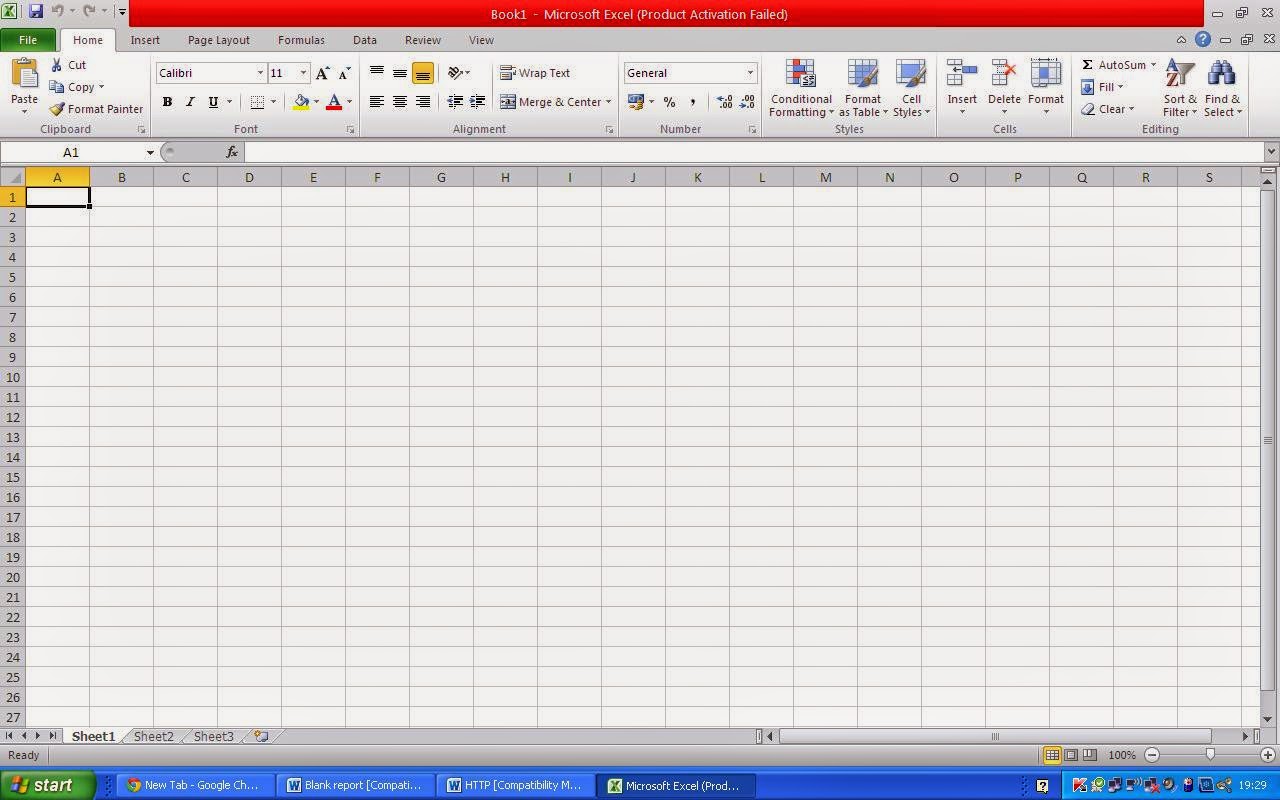
The Power of Spreadsheet Software: A Comprehensive Guide
Spreadsheet software has revolutionized the way we organize, analyze, and present data. From simple calculations to complex financial models, spreadsheets offer a versatile tool for businesses, students, and individuals alike.
One of the most popular spreadsheet software is Microsoft Excel. With its user-friendly interface and powerful features, Excel allows users to create dynamic worksheets that can automate tasks, visualize data with charts and graphs, and perform advanced calculations with formulas and functions.
Excel’s ability to handle large datasets makes it an essential tool for businesses for tasks such as budgeting, forecasting, inventory management, and reporting. Its pivot table feature enables users to summarize and analyze data quickly, providing valuable insights for decision-making.
For those looking for a free alternative to Excel, Google Sheets is a cloud-based spreadsheet software that offers similar functionalities. Users can collaborate in real-time on Google Sheets, making it ideal for team projects and remote work environments.
Other popular spreadsheet software options include Apple Numbers, LibreOffice Calc, and Zoho Sheet. Each of these programs has its own unique features and advantages, catering to different user preferences and needs.
Regardless of the software you choose, mastering spreadsheet skills can significantly boost your productivity and efficiency. Whether you are tracking expenses, creating schedules, analyzing data trends, or managing projects, spreadsheets provide a structured way to organize information effectively.
In conclusion, spreadsheet software is a powerful tool that offers endless possibilities for organizing data and improving decision-making processes. Whether you are a beginner or an advanced user, harnessing the capabilities of spreadsheet software can elevate your work performance and streamline your tasks.
7 Essential Tips for Mastering Spreadsheet Software
- Organize your data into columns and rows for better readability.
- Use formulas and functions to perform calculations and automate tasks.
- Apply formatting options such as color coding and cell styles to highlight important information.
- Create charts and graphs to visualize data trends and patterns more effectively.
- Protect sensitive information by setting up password protection or restricting access to certain cells or sheets.
- Utilize filters and sorting features to analyze data in different ways and extract specific insights.
- Regularly save your work to prevent data loss, and consider using version control for tracking changes.
Organize your data into columns and rows for better readability.
To enhance the readability and organization of your data in spreadsheet software, it is essential to structure your information into clear columns and rows. By organizing your data in this way, you can easily distinguish different categories or variables, making it simpler to analyze and interpret the information. Columns can represent different data fields, while rows can contain individual records or entries. This structured layout not only improves the visual appeal of your spreadsheet but also facilitates efficient data management and comprehension.
Use formulas and functions to perform calculations and automate tasks.
Utilizing formulas and functions in spreadsheet software is a game-changer when it comes to efficiency and accuracy. By leveraging these powerful tools, users can perform complex calculations, manipulate data, and automate repetitive tasks with ease. Whether it’s summing up values, finding averages, or analyzing trends, formulas and functions streamline processes and save valuable time. Embracing the capabilities of formulas and functions empowers users to unlock the full potential of spreadsheet software, making data analysis and decision-making more precise and effective.
Apply formatting options such as color coding and cell styles to highlight important information.
When using spreadsheet software, a valuable tip is to apply formatting options like color coding and cell styles to emphasize important information. By utilizing these features effectively, you can visually distinguish key data points, trends, or categories within your spreadsheet. Color coding specific cells or rows can draw attention to critical figures or deadlines, while applying different cell styles can help create a consistent and professional look across your document. This simple yet powerful technique not only enhances the readability of your data but also aids in conveying insights more clearly to your audience.
Create charts and graphs to visualize data trends and patterns more effectively.
Creating charts and graphs in spreadsheet software is a valuable tip to enhance data analysis and presentation. By visualizing data trends and patterns through graphical representations, users can quickly identify insights, correlations, and outliers that may not be apparent from raw numbers alone. Charts and graphs provide a clear and concise way to communicate complex information, making it easier for stakeholders to understand the significance of the data at a glance. Whether it’s tracking sales performance, monitoring project milestones, or comparing financial metrics, leveraging visual elements in spreadsheets can greatly improve decision-making processes and drive actionable outcomes.
Protect sensitive information by setting up password protection or restricting access to certain cells or sheets.
To enhance data security and protect sensitive information in spreadsheet software, users can implement measures such as setting up password protection or restricting access to specific cells or sheets. By assigning passwords to sensitive documents or locking certain cells with confidential data, users can prevent unauthorized access and ensure that only authorized individuals can view or modify critical information. These security features offer an additional layer of protection, safeguarding sensitive data from potential breaches and ensuring privacy compliance within organizations.
Utilize filters and sorting features to analyze data in different ways and extract specific insights.
To maximize the potential of spreadsheet software, it is essential to leverage filters and sorting features effectively. By utilizing these tools, users can analyze data in various ways and extract specific insights tailored to their needs. Filters allow users to focus on specific criteria within a dataset, enabling them to isolate relevant information and draw meaningful conclusions. Sorting features help arrange data in a logical order, making it easier to identify patterns, trends, and outliers. By incorporating filters and sorting into data analysis processes, users can unlock new perspectives and uncover valuable insights that drive informed decision-making.
Regularly save your work to prevent data loss, and consider using version control for tracking changes.
Regularly saving your work while using spreadsheet software is crucial to prevent data loss and ensure that your progress is securely stored. Additionally, considering the use of version control can be a valuable practice for tracking changes made to your spreadsheets over time. By implementing version control, you can easily revert to previous versions of your work, compare changes, and maintain a clear record of edits, enhancing collaboration and minimizing errors in your data management process.
Tags: accuracy, automate tasks, calculations, cell styles, color coding, columns, efficiency, formatting options, formulas, functions, information structure, organize data, readability, rows, spreadsheet software