
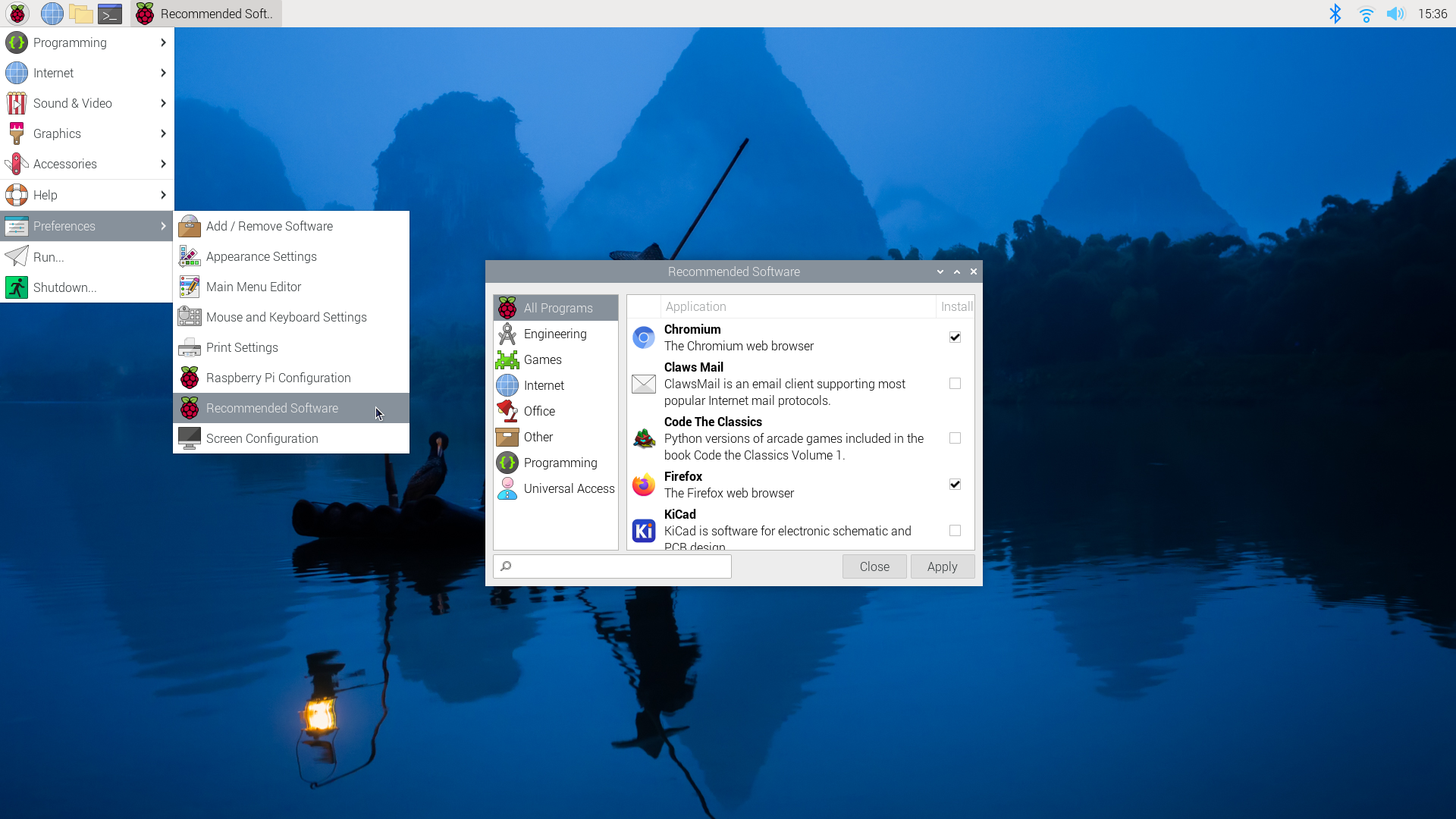
The Power of Raspberry Pi Software
Raspberry Pi, a small yet powerful single-board computer, has taken the tech world by storm. While its hardware capabilities are impressive, it’s the software ecosystem that truly unlocks its full potential.
Operating Systems for Raspberry Pi
Raspberry Pi supports a variety of operating systems, including Raspbian (now known as Raspberry Pi OS), Ubuntu Mate, and RetroPie for gaming enthusiasts. Each OS offers unique features and functionalities tailored to different user needs.
Programming Languages
One of the key strengths of Raspberry Pi is its support for multiple programming languages. From Python and Scratch for beginners to C++ and Java for advanced users, Raspberry Pi empowers users to explore coding in a fun and educational way.
Software Projects
With Raspberry Pi, the possibilities are endless when it comes to software projects. Whether you want to set up a home automation system, create a media center using Kodi, or build your own weather station, Raspberry Pi software enables you to bring your ideas to life.
Community Support
The Raspberry Pi community is vibrant and supportive, with forums, online resources, and tutorials readily available. Whether you’re a beginner or an experienced developer, you can always find help and inspiration from fellow enthusiasts.
Conclusion
Raspberry Pi software opens up a world of creativity and innovation for users of all skill levels. Whether you’re interested in coding, electronics, or simply exploring new tech projects, Raspberry Pi is the perfect platform to unleash your imagination.
Top 5 Essential Tips for Managing Raspberry Pi Software Effectively
- Keep your Raspberry Pi software up to date by regularly running system updates.
- Explore different operating systems for Raspberry Pi, such as Raspbian, Ubuntu Mate, or RetroPie.
- Use package managers like apt-get or pip to easily install and manage software on your Raspberry Pi.
- Learn basic Linux commands to navigate the terminal and troubleshoot issues on your Raspberry Pi.
- Backup your important data and configurations regularly to prevent loss in case of system failures.
Keep your Raspberry Pi software up to date by regularly running system updates.
To ensure optimal performance and security of your Raspberry Pi, it is essential to keep your software up to date by regularly running system updates. By staying current with the latest software releases and patches, you can benefit from improved functionality, bug fixes, and enhanced security measures. This simple practice not only helps in maintaining the stability of your Raspberry Pi but also ensures that you are leveraging the most up-to-date features and capabilities available for your projects.
Explore different operating systems for Raspberry Pi, such as Raspbian, Ubuntu Mate, or RetroPie.
Discover the versatility of Raspberry Pi by exploring a range of operating systems tailored to suit your needs. From the user-friendly Raspbian to the feature-rich Ubuntu Mate and the gaming-centric RetroPie, each option offers a unique experience that can unlock new possibilities for your Raspberry Pi projects. Experimenting with different operating systems allows you to customize your setup and find the perfect fit for your specific requirements, whether you’re a beginner or an experienced user looking to expand your horizons in the world of Raspberry Pi software.
Use package managers like apt-get or pip to easily install and manage software on your Raspberry Pi.
Utilizing package managers like apt-get or pip can greatly simplify the process of installing and managing software on your Raspberry Pi. These tools streamline the installation of packages and dependencies, ensuring that you can easily access and update the software you need without having to navigate complex installation procedures manually. By leveraging package managers, Raspberry Pi users can efficiently maintain their system and explore a wide range of software applications with ease.
Learn basic Linux commands to navigate the terminal and troubleshoot issues on your Raspberry Pi.
To make the most out of your Raspberry Pi software experience, it is highly beneficial to learn basic Linux commands. By mastering these commands, you can effectively navigate the terminal and troubleshoot any issues that may arise with your Raspberry Pi. Understanding how to use the terminal not only enhances your overall efficiency but also empowers you to take full control of your Raspberry Pi system, making it a valuable skill for both beginners and experienced users alike.
Backup your important data and configurations regularly to prevent loss in case of system failures.
Backing up your important data and configurations regularly is a crucial tip when using Raspberry Pi software. By creating backups, you can safeguard your valuable files and settings against unexpected system failures or errors. This proactive approach ensures that you can quickly restore your Raspberry Pi to a previous working state without losing any critical information, ultimately providing peace of mind and minimizing potential downtime.
Tags: apt-get, community support, linux commands, operating systems, package managers, pip, programming languages, retropie, software, software projects, system updates, terminal