
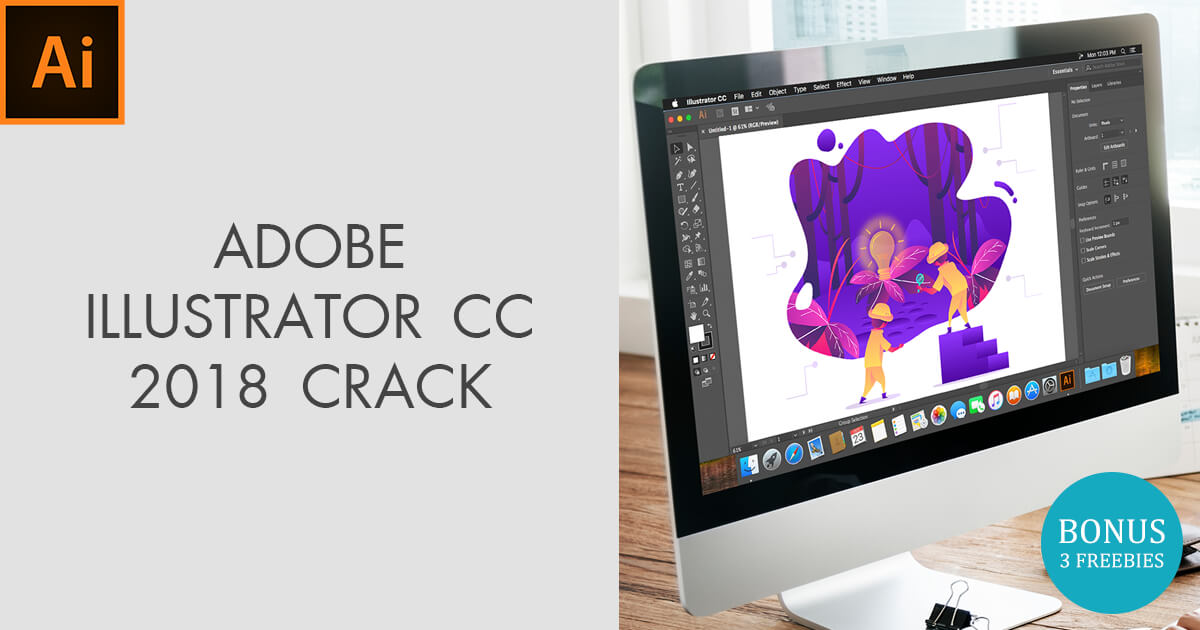
Exploring Adobe Illustrator CC 2018
Adobe Illustrator CC 2018 is a powerful vector graphics editor that has been a staple in the design industry for many years. Released as part of Adobe Creative Cloud, this version introduced several new features and enhancements that have made it even more versatile and user-friendly.
One of the standout features of Adobe Illustrator CC 2018 is the Puppet Warp tool, which allows users to easily manipulate and transform artwork with more control and precision. This tool is particularly useful for creating complex illustrations or refining designs with intricate details.
The Properties Panel in Adobe Illustrator CC 2018 has also been revamped to provide quick access to commonly used tools and settings, making workflows more efficient and intuitive. Users can now customize the panel to display only the tools they need, streamlining their design process.
In addition, Adobe Illustrator CC 2018 introduced enhancements to typography tools, making it easier for designers to work with fonts and text. Features such as Variable Fonts support and improvements to OpenType fonts give users more flexibility and creative options when working on typographic projects.
Another notable improvement in Adobe Illustrator CC 2018 is the integration of Adobe Stock directly within the application. This allows users to browse, license, and access high-quality images, graphics, and templates from within Illustrator, saving time and simplifying the design process.
Overall, Adobe Illustrator CC 2018 continues to be a go-to tool for designers, illustrators, and creatives looking to bring their ideas to life with precision and style. With its powerful features, intuitive interface, and seamless integration with other Adobe Creative Cloud apps, it remains a top choice for professionals in the design industry.
7 Essential Tips for Mastering Adobe Illustrator CC 2018
- Use layers to organize your artwork and make editing easier.
- Take advantage of the Pathfinder tool for creating complex shapes.
- Utilize the Appearance panel to apply multiple effects to objects.
- Explore the Image Trace feature for converting raster images into vector graphics.
- Learn keyboard shortcuts to speed up your workflow in Adobe Illustrator CC 2018.
- Experiment with different brush types and settings to create unique illustrations.
- Save your work frequently to avoid losing progress in case of a software crash.
Use layers to organize your artwork and make editing easier.
Utilizing layers in Adobe Illustrator CC 2018 is a valuable tip that can greatly enhance your workflow efficiency. By organizing your artwork into layers, you can easily separate and manage different elements of your design, making it simpler to edit and manipulate individual components without affecting the rest of the artwork. Layers provide a structured approach to working on complex projects, allowing you to toggle visibility, lock certain elements, and rearrange objects with ease. This organizational tool not only streamlines the editing process but also helps maintain clarity and precision in your designs, ultimately leading to a more polished and professional outcome.
Take advantage of the Pathfinder tool for creating complex shapes.
In Adobe Illustrator CC 2018, designers can greatly benefit from utilizing the Pathfinder tool for crafting intricate shapes with ease. By leveraging the Pathfinder tool’s diverse set of functions such as Unite, Minus Front, Intersect, and Exclude, users can effortlessly combine, subtract, intersect, or exclude shapes to create complex and visually appealing designs. This feature streamlines the process of working with multiple shapes and enables designers to achieve precise and sophisticated results efficiently. Whether merging objects to form a cohesive design or cutting out specific areas for detailed compositions, mastering the Pathfinder tool in Adobe Illustrator CC 2018 empowers designers to unleash their creativity and bring their artistic visions to life seamlessly.
Utilize the Appearance panel to apply multiple effects to objects.
In Adobe Illustrator CC 2018, one valuable tip is to make use of the Appearance panel to easily apply multiple effects to objects. By utilizing the Appearance panel, designers can stack and combine various effects such as fills, strokes, shadows, and textures on a single object, allowing for creative and dynamic designs. This efficient feature not only saves time but also provides flexibility in experimenting with different effects to achieve the desired visual impact in illustrations and graphics.
Explore the Image Trace feature for converting raster images into vector graphics.
In Adobe Illustrator CC 2018, a valuable tip is to explore the Image Trace feature for converting raster images into vector graphics. This powerful tool allows users to transform bitmap images into scalable vector artwork, enabling greater flexibility and quality in design projects. By utilizing the Image Trace feature, designers can easily convert photographs, sketches, or other raster graphics into editable vector shapes, opening up a world of creative possibilities and enhancing the overall visual appeal of their designs.
Learn keyboard shortcuts to speed up your workflow in Adobe Illustrator CC 2018.
Mastering keyboard shortcuts is a game-changer when it comes to boosting efficiency and productivity in Adobe Illustrator CC 2018. By familiarizing yourself with essential shortcuts for common tools and functions, you can significantly speed up your workflow and streamline your design process. Whether it’s quickly switching between tools, navigating layers, or performing specific actions with a simple key combination, incorporating keyboard shortcuts into your workflow can save you valuable time and make working in Illustrator a more seamless and enjoyable experience.
Experiment with different brush types and settings to create unique illustrations.
To enhance your design projects in Adobe Illustrator CC 2018, try experimenting with various brush types and settings to craft one-of-a-kind illustrations. By exploring different brush styles, sizes, textures, and pressure settings, you can add depth, character, and creativity to your artwork. Whether you’re aiming for a bold and expressive look or a delicate and intricate design, adjusting the brush settings allows you to tailor your illustrations to suit your vision. Embrace the versatility of Adobe Illustrator’s brush tools to unleash your artistic potential and bring your ideas to life in captivating ways.
Save your work frequently to avoid losing progress in case of a software crash.
It is essential to save your work frequently while using Adobe Illustrator CC 2018 to prevent the risk of losing progress in the event of a software crash. By regularly saving your files, you can ensure that your hard work is backed up and easily recoverable, minimizing the potential impact of unexpected technical issues. Remember to make it a habit to save your work at regular intervals to safeguard against any unforeseen interruptions and maintain a smooth workflow.
Tags: adobe creative cloud, adobe illustrator cc 2018, adobe stock integration, appearance panel, artwork organization, complex shapes creation, design industry, editing efficiency, layers, multiple effects application, opentype fonts, pathfinder tool, properties panel, puppet warp tool, typography tools, variable fonts support, vector graphics editor