
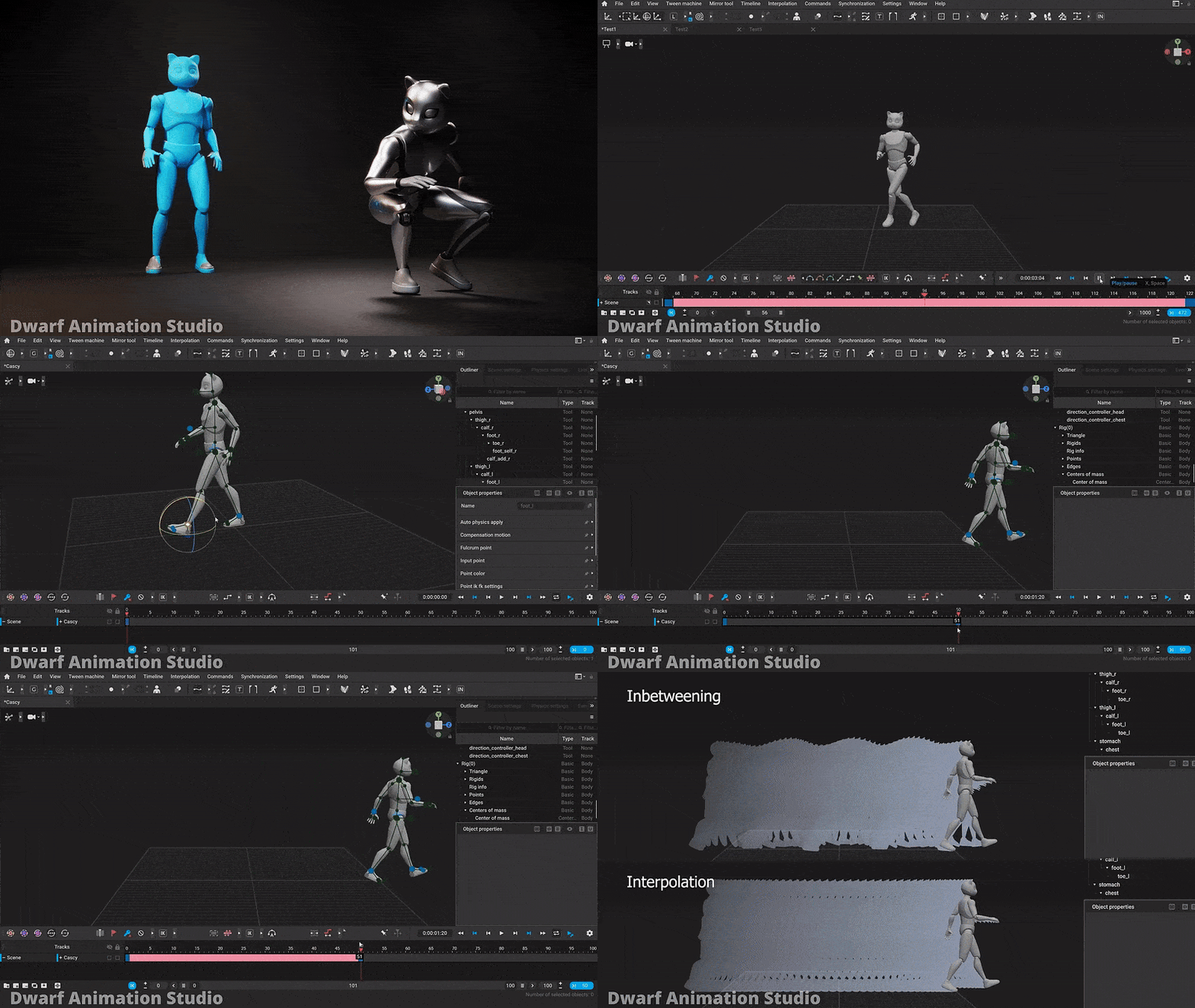
The Power of 3D Animation Software: Bringing Imagination to Life
In today’s digital age, 3D animation has revolutionized the way we tell stories, create visual effects, and bring characters to life on screen. With the help of advanced 3D animation software, artists and animators can unleash their creativity and craft stunning visuals that captivate audiences around the world.
What is 3D Animation Software?
3D animation software is a powerful tool that allows artists to design and animate three-dimensional objects and characters in a virtual environment. By manipulating shapes, textures, lighting, and camera angles, animators can create realistic animations that mimic the movements and behaviors of real-life objects.
The Benefits of Using 3D Animation Software
There are numerous benefits to using 3D animation software in various industries:
- Realism: 3D animation software enables artists to create lifelike animations with intricate details and realistic movements.
- Versatility: From animated movies and video games to architectural visualization and product design, 3D animation software can be used in a wide range of applications.
- Efficiency: With advanced tools for rigging, modeling, texturing, and rendering, animators can streamline their workflow and produce high-quality animations more efficiently.
- Creative Freedom: Artists have the freedom to experiment with different styles, colors, textures, and visual effects to bring their imagination to life in ways that were once impossible.
- Collaboration: Many 3D animation software programs offer features for team collaboration, allowing multiple artists to work together on complex projects in real-time.
Popular 3D Animation Software Programs
There are several top-notch 3D animation software programs available on the market today:
- Autodesk Maya: Widely used in the film and video game industry, Autodesk Maya offers a comprehensive set of tools for modeling, rigging, animation, simulation, rendering, and compositing.
- Blender: A free and open-source software program with a robust feature set for modeling, sculpting, texturing, animating, rendering, compositing, and motion tracking.
- Cinema 4D: Known for its user-friendly interface and powerful tools for motion graphics design, visual effects creation,
character animation,
and rendering.
In Conclusion
The evolution of 3D animation software has opened up endless possibilities for artists and animators to push the boundaries of creativity. Whether you’re a seasoned professional or an aspiring animator,
exploring
the world
of
3D animation software can unlock new horizons
and
inspire you
to create captivating visuals that leave a lasting impression on audiences worldwide.
7 Essential Tips to Elevate Your Skills in 3D Animation Software
- Practice using keyframes to create smooth animations.
- Utilize lighting and shading techniques to enhance the visual appeal of your 3D scenes.
- Learn about different types of camera movements to add dynamic perspectives to your animations.
- Use rigging tools to create realistic movement for characters and objects.
- Explore particle effects to add depth and realism to your animations.
- Master the use of textures and materials for more lifelike renders.
- Don’t be afraid to experiment with different tools and features to discover new possibilities in your 3D animations.
Practice using keyframes to create smooth animations.
To create smooth and lifelike animations in 3D animation software, mastering the use of keyframes is essential. Keyframes serve as anchor points that define the position, rotation, scale, and other attributes of an object at a specific point in time. By strategically placing keyframes and adjusting their properties over time, animators can achieve fluid motion transitions and bring their creations to life with realism and precision. Practice using keyframes effectively to ensure that your animations flow seamlessly and convey the desired movement dynamics accurately.
Utilize lighting and shading techniques to enhance the visual appeal of your 3D scenes.
Utilizing lighting and shading techniques is a crucial tip to enhance the visual appeal of your 3D scenes. By strategically placing lights, adjusting their intensity, color, and direction, you can create depth, mood, and realism in your animations. Shading techniques such as ambient occlusion, specular highlights, and shadows add texture and dimension to objects, making them look more lifelike. Mastering these aspects of lighting and shading not only elevates the overall quality of your 3D scenes but also helps convey emotions, tell stories, and immerse viewers in a visually captivating experience.
Learn about different types of camera movements to add dynamic perspectives to your animations.
To enhance the visual appeal and storytelling of your animations, it is crucial to explore and master various types of camera movements. By incorporating techniques such as panning, zooming, tracking, and tilting, animators can infuse their creations with dynamic perspectives that engage viewers and bring scenes to life. Understanding how different camera movements impact the composition, pacing, and mood of an animation can elevate the overall quality and immersive experience for the audience. Experimenting with these techniques not only adds depth and realism to your animations but also showcases your creativity and attention to detail in crafting visually compelling narratives.
Use rigging tools to create realistic movement for characters and objects.
Utilizing rigging tools in 3D animation software is essential for bringing characters and objects to life with realistic movement. Rigging allows animators to define the skeletal structure, joints, and controls of a character or object, enabling them to animate movements such as walking, running, jumping, and more. By carefully setting up rigging parameters and constraints, animators can achieve natural and fluid motions that enhance the believability and expressiveness of their animations. Rigging tools play a crucial role in adding depth and personality to characters, making them appear more lifelike and engaging to viewers.
Explore particle effects to add depth and realism to your animations.
Exploring particle effects in 3D animation software can significantly enhance the depth and realism of your animations. By incorporating particle effects such as smoke, fire, water droplets, or debris, you can create dynamic and visually engaging scenes that bring your animations to life. These effects add movement, texture, and detail to your creations, making them more immersive and captivating for viewers. Experimenting with particle effects allows you to unleash your creativity and take your animations to the next level, ultimately elevating the quality and impact of your visual storytelling.
Master the use of textures and materials for more lifelike renders.
To enhance the realism of your 3D animations, mastering the use of textures and materials is crucial. By carefully selecting and applying textures to objects, surfaces, and characters, you can create more lifelike renders that mimic real-world materials such as wood, metal, fabric, or skin. Paying attention to details like bump maps, specular maps, and roughness can add depth and authenticity to your animations, making them visually compelling and engaging for viewers. Experimenting with different textures and materials in your 3D animation software will allow you to elevate the quality of your renders and bring your creations closer to reality.
Don’t be afraid to experiment with different tools and features to discover new possibilities in your 3D animations.
To enhance your 3D animations, it’s essential not to shy away from exploring various tools and features within the software. By embracing experimentation, you can uncover innovative techniques and creative avenues that may lead to groundbreaking visual effects and storytelling in your animations. Embracing a spirit of curiosity and willingness to try new approaches can elevate the quality of your work and push the boundaries of what is achievable in the realm of 3D animation.
Tags: 3d animation software, animations, animators, artists, autodesk maya, blender, cinema 4d, collaboration, creative freedom, creativity, efficiency, imagination, keyframes, lighting techniques, motion transitions, object attributes, realism, shading techniques, versatility, visuals