
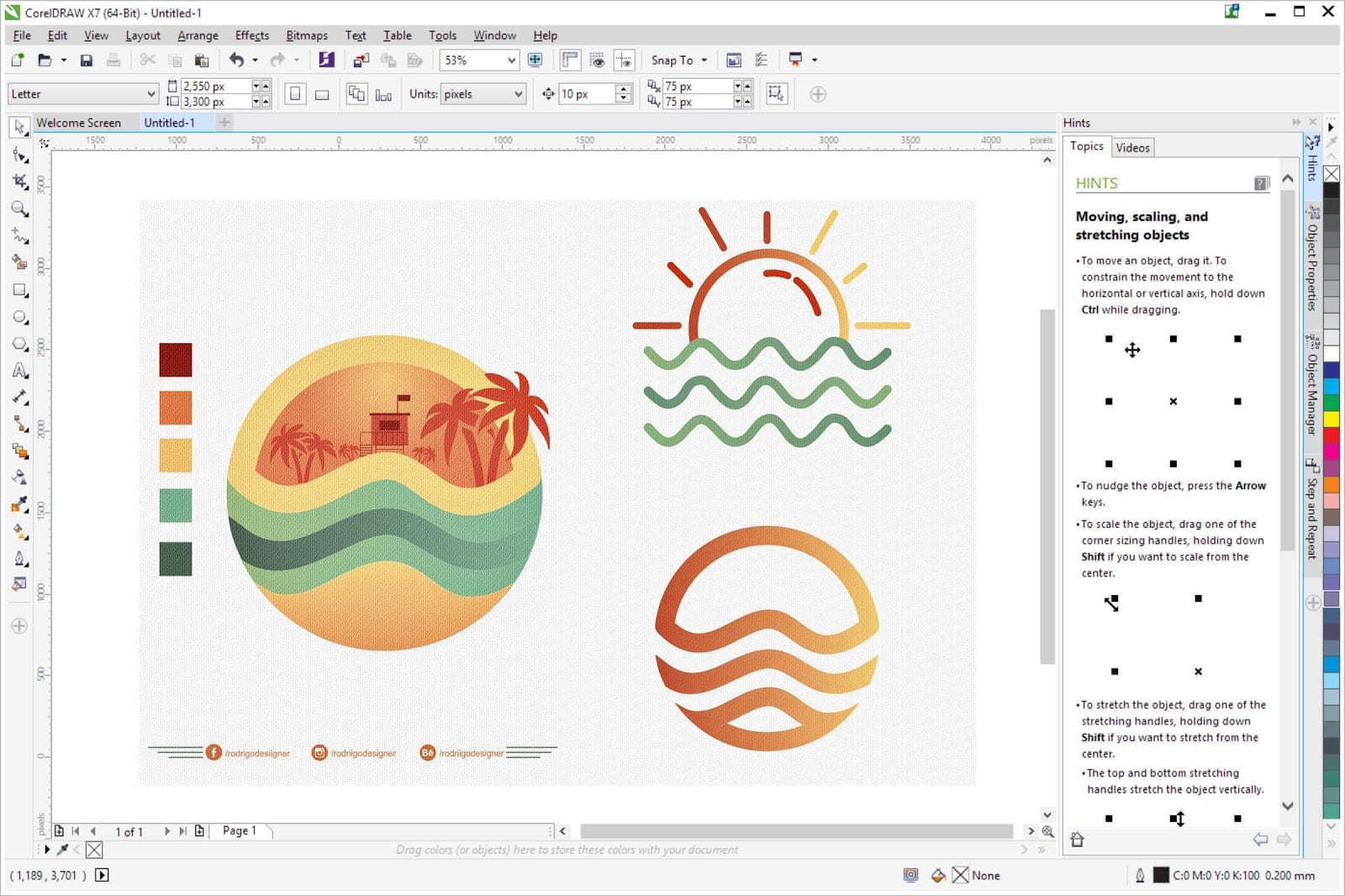
Exploring Free Logo Design Software: Unleash Your Creativity
Creating a unique and eye-catching logo is essential for any business or brand. However, hiring a professional designer can be costly, especially for startups and small businesses. Fortunately, there are several free logo design software options available that can help you unleash your creativity without breaking the bank.
Canva
Canva is a popular online graphic design platform that offers a user-friendly interface and a wide range of design tools, including logo templates. With Canva, you can easily customize pre-designed logos or create your own from scratch using various shapes, icons, and fonts.
LogoMakr
LogoMakr is another great tool for creating professional-looking logos for free. It provides a simple drag-and-drop interface and a library of icons, shapes, and fonts to choose from. You can customize colors, sizes, and layouts to create a logo that perfectly represents your brand.
Hatchful by Shopify
Hatchful is a logo maker tool developed by Shopify specifically for entrepreneurs and small businesses. It guides you through the logo design process by asking about your business type, style preferences, and color choices. Based on your input, Hatchful generates personalized logo options for you to choose from.
DesignEvo
DesignEvo is an online logo maker that offers thousands of templates to kickstart your logo design process. You can customize every element of the template to create a unique logo that suits your brand identity. DesignEvo also allows you to download high-resolution logo files for free.
Conclusion
Free logo design software provides an accessible way for businesses and individuals to create professional logos without the need for expensive design tools or expertise. Whether you are launching a new startup or revamping an existing brand, these tools empower you to unleash your creativity and make a lasting impression with a captivating logo.
Top 5 Advantages of Using Free Logo Design Software for Your Business
- Cost-effective solution for businesses with limited budget
- Accessible to individuals without design experience
- Wide range of templates and design elements to choose from
- Allows for quick and easy logo creation process
- Empowers users to customize and personalize logos according to their brand identity
7 Drawbacks of Using Free Logo Design Software
- Limited customization options compared to paid software
- May have watermarks or limitations on free versions
- Less support and guidance available for complex design needs
- Quality of pre-designed templates may vary
- Potential lack of originality in using common elements or icons
- Difficulty in creating highly intricate or detailed logos
- Limited file formats and sizes for exporting logos
Cost-effective solution for businesses with limited budget
Free logo design software offers a cost-effective solution for businesses with limited budgets. By providing access to professional-quality design tools at no cost, these software options enable startups and small businesses to create visually appealing logos without the need to invest in expensive design services. This affordability allows businesses to allocate their resources more efficiently, directing funds towards other essential areas of growth and development. In turn, free logo design software empowers businesses to establish a strong brand identity without compromising on quality or breaking the bank.
Accessible to individuals without design experience
Free logo design software offers a significant advantage by being accessible to individuals without design experience. These intuitive tools provide user-friendly interfaces, pre-designed templates, and easy customization options that empower anyone to create a professional-looking logo. Whether you are a small business owner, a freelancer, or a passionate hobbyist, free logo design software levels the playing field and enables you to bring your creative vision to life without the need for specialized design skills. This accessibility fosters creativity and innovation, allowing individuals from diverse backgrounds to express their unique brand identities through visually appealing logos.
Wide range of templates and design elements to choose from
One of the key advantages of using free logo design software is the wide range of templates and design elements available for users to choose from. These diverse options provide a starting point for creativity and inspiration, allowing individuals and businesses to explore different styles, colors, and layouts without starting from scratch. With a rich library of templates and design elements at their fingertips, users can easily customize and personalize their logos to reflect their unique brand identity and vision.
Allows for quick and easy logo creation process
Free logo design software offers the advantage of enabling a quick and seamless logo creation process. With user-friendly interfaces, drag-and-drop tools, and pre-designed templates, individuals and businesses can swiftly generate professional logos without the need for extensive design skills or experience. This efficiency allows users to bring their creative vision to life in a matter of minutes, saving time and resources while still achieving visually appealing and impactful branding solutions.
Empowers users to customize and personalize logos according to their brand identity
Free logo design software empowers users to customize and personalize logos according to their brand identity. By offering a wide range of design tools, templates, and customization options, these tools enable individuals and businesses to create logos that truly represent who they are. Users can choose colors, fonts, shapes, and icons that align with their brand’s values and messaging, ensuring that the final logo reflects their unique identity. This level of customization helps in establishing a strong visual presence in the market and differentiating the brand from competitors.
Limited customization options compared to paid software
When using free logo design software, one significant drawback is the limited customization options available compared to paid software. While free tools offer basic features and templates for creating logos, they often lack advanced design capabilities and intricate customization settings found in premium software. This limitation may restrict users from achieving highly unique and tailored designs that fully reflect their brand identity. Paid software typically provides a wider range of design elements, color schemes, typography choices, and effects, allowing for more creativity and precision in logo creation. Therefore, businesses seeking a truly distinctive and professional logo may find the constraints of free logo design software to be a hindrance in achieving their desired visual representation.
May have watermarks or limitations on free versions
When utilizing free logo design software, one significant drawback to consider is the presence of watermarks or limitations on the designs created using the free versions of these tools. These watermarks can detract from the professionalism and branding of your logo, as they often serve as a form of advertisement for the software itself. Additionally, some free versions may restrict access to certain features or file formats, limiting your ability to fully customize and utilize your logo as desired. It is important to weigh these potential restrictions against the cost-saving benefits of using free logo design software and consider whether investing in a paid version may be more beneficial for achieving a polished and unique brand image.
Less support and guidance available for complex design needs
One significant drawback of using free logo design software is the limited support and guidance available for complex design needs. While these tools offer basic functionalities and templates for creating logos, they often lack advanced features and customization options required for intricate or specialized designs. Users may find themselves struggling to achieve their desired results or facing technical limitations without comprehensive assistance or expert guidance. In such cases, investing in professional design services or software with robust support may be necessary to meet complex design requirements effectively.
Quality of pre-designed templates may vary
When using free logo design software, one significant drawback to consider is the variability in the quality of pre-designed templates. While these templates can serve as a convenient starting point for logo creation, they may lack originality and uniqueness. Some free logo design platforms offer a limited selection of generic templates that may not effectively capture the essence of your brand or differentiate your business from competitors. As a result, businesses relying solely on these pre-designed templates run the risk of having a logo that fails to make a strong impact or establish a memorable brand identity. It is crucial to carefully assess the quality and customization options of pre-designed templates before committing to using them in order to ensure that your logo truly reflects the values and vision of your business.
Potential lack of originality in using common elements or icons
One significant drawback of using free logo design software is the potential lack of originality that arises from utilizing common elements or icons. Since these tools offer pre-designed templates and a limited selection of shapes, icons, and fonts, there is a risk that your logo may resemble others created using the same software. This can diminish the uniqueness and distinctiveness of your brand identity, making it harder to stand out in a crowded marketplace. To avoid this con, it is crucial to customize and personalize the chosen elements as much as possible to ensure that your logo reflects your brand’s individuality and resonates with your target audience.
Difficulty in creating highly intricate or detailed logos
One significant drawback of using free logo design software is the difficulty in creating highly intricate or detailed logos. While these tools offer a range of templates, icons, and customization options, they may lack the advanced features and flexibility required to design complex and detailed logos. Users may find limitations in terms of intricate shapes, fine details, and sophisticated effects, making it challenging to achieve a truly unique and elaborate design. For businesses or individuals seeking a logo with intricate elements or specific visual nuances, investing in professional design software or hiring a skilled designer may be necessary to meet their creative requirements effectively.
Limited file formats and sizes for exporting logos
One significant drawback of using free logo design software is the limitation on file formats and sizes for exporting logos. While these tools offer easy and cost-effective ways to create logos, they often restrict users in exporting their designs in specific file formats or sizes. This limitation can be problematic when you need your logo in a particular format for different purposes, such as printing on merchandise or using it across various digital platforms. It may require additional workarounds or conversions to meet the necessary requirements, which can be time-consuming and affect the quality of the final logo output.
Tags: accessible, canva, cost-effective solution, customization options, design elements, designevo, free, individuals without design experience, limited budget, logo design software, professional-quality design tools, templates, user-friendly interfaces, wide range of templates