
The Ultimate Guide to Logo Design Software
Creating a unique and memorable logo is essential for any business or brand. Logo design software provides powerful tools and features to help you bring your creative vision to life. Whether you are a professional designer or a small business owner looking to create your own logo, choosing the right software is crucial.
Types of Logo Design Software
There are various types of logo design software available, ranging from simple online tools to advanced graphic design programs. Some popular options include:
- Adobe Illustrator: A professional vector graphics editor widely used for logo design due to its precision and flexibility.
- CorelDRAW: Another popular vector graphics editor that offers a wide range of tools for creating logos and illustrations.
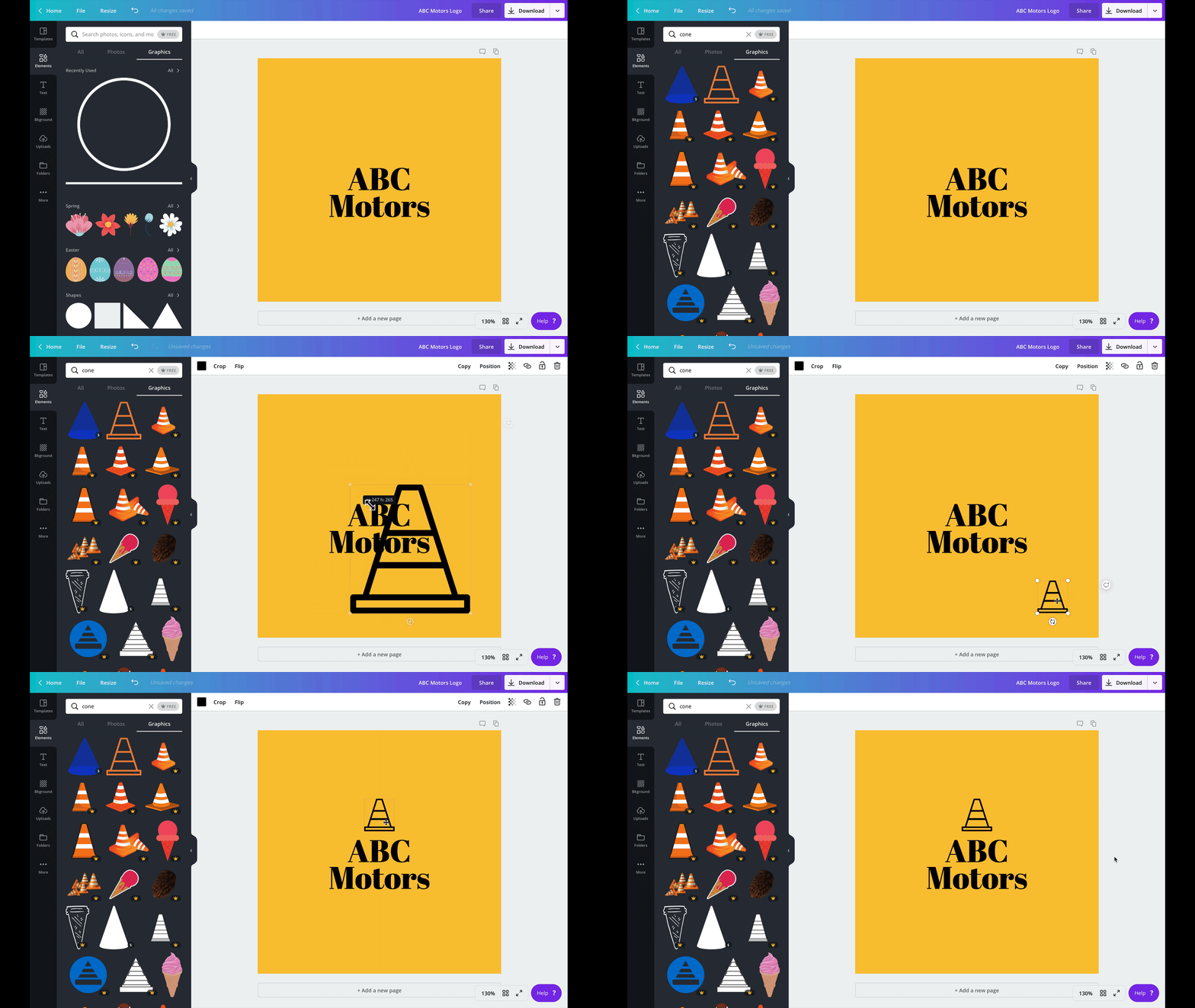
- Canva: A user-friendly online platform with pre-designed templates and drag-and-drop functionality, ideal for beginners.
- Inkscape: An open-source vector graphics editor that is free to use and offers powerful features for logo design.
Key Features to Look For
When choosing logo design software, consider the following key features:
- Vector Editing: The ability to create scalable vector graphics is essential for designing high-quality logos that can be resized without losing quality.
- Typography Tools: Look for software that offers a wide range of fonts and text editing capabilities to enhance your logo’s typography.
- Color Palette Options: Access to a diverse color palette and customization tools will help you create visually appealing logos.
- Export Formats: Ensure the software supports various file formats so you can easily export your logo in different sizes and resolutions.
Tips for Effective Logo Design
To create a successful logo, keep the following tips in mind:
Simplicity is key: A clean and simple design is more memorable and versatile across different mediums.
Consider scalability: Your logo should look great whether it’s displayed on a business card or a billboard.
Maintain brand consistency: Use colors, fonts, and imagery that align with your brand’s identity and values.
Solicit feedback: Don’t hesitate to seek input from colleagues or customers to ensure your logo resonates with your target audience.
In conclusion, selecting the right logo design software plays a crucial role in creating a visually appealing and impactful logo for your business. Consider your specific needs, skill level, and budget when choosing the best tool for your next design project.
7 Essential Tips for Choosing the Right Logo Design Software
- Choose a software with vector graphics capabilities for scalability.
- Consider the learning curve of the software before making a choice.
- Look for features like grids, rulers, and alignment tools for precision.
- Ensure the software supports various file formats for flexibility in exporting.
- Opt for a program with template options to kickstart your design process.
- Check if the software offers customization options for fonts and colors.
- Read reviews and tutorials to get an idea of user experiences and functionality.
Choose a software with vector graphics capabilities for scalability.
When selecting logo design software, opt for a program that offers vector graphics capabilities to ensure scalability. Vector graphics allow your logo to be resized without losing quality, making it versatile for various applications and ensuring a professional and polished look across different mediums. By choosing software with vector editing features, you can create a logo that maintains its clarity and sharpness whether it’s displayed on a small business card or blown up on a large billboard.
Consider the learning curve of the software before making a choice.
When selecting logo design software, it is crucial to consider the learning curve of the tool before making a decision. Some software may have steep learning curves, requiring time and effort to master, while others offer more user-friendly interfaces for beginners. Evaluating your own skill level and available time for learning can help you choose a software that aligns with your capabilities and design goals. Prioritizing ease of use and accessibility can ultimately enhance your creative process and productivity in creating a standout logo for your brand or business.
Look for features like grids, rulers, and alignment tools for precision.
When exploring logo design software options, it is essential to prioritize features such as grids, rulers, and alignment tools. These tools contribute to the precision and accuracy of your design by helping you maintain consistent spacing, alignment, and proportions. Utilizing grids and rulers ensures that elements within your logo are properly positioned, while alignment tools aid in creating a cohesive and visually appealing composition. By leveraging these features, designers can achieve a professional and polished look for their logos with ease.
Ensure the software supports various file formats for flexibility in exporting.
When selecting logo design software, it is essential to ensure that the software supports various file formats to provide flexibility in exporting your logo designs. Having the ability to export logos in different formats allows you to use them across a range of platforms and applications without compromising quality. Whether you need to print your logo on business cards, display it on a website, or incorporate it into marketing materials, having diverse export options ensures that your logo will look crisp and professional in any context.
Opt for a program with template options to kickstart your design process.
When diving into logo design, opting for a program that offers template options can be a game-changer in kickstarting your creative process. Templates provide a solid foundation and inspiration, helping you explore different design styles and layouts efficiently. By starting with a template, you can save time and effort while still customizing the design to align with your brand’s unique identity. This approach not only accelerates the initial stages of logo creation but also serves as a valuable resource for sparking fresh ideas and refining your final design.
Check if the software offers customization options for fonts and colors.
When exploring logo design software options, it is essential to check if the software provides customization options for fonts and colors. Having the ability to choose from a diverse range of fonts and adjust colors to match your brand’s identity is crucial in creating a unique and impactful logo. By utilizing these customization features, you can tailor your design to reflect your brand’s personality and effectively communicate your message to your target audience.
Read reviews and tutorials to get an idea of user experiences and functionality.
To make an informed decision when selecting logo design software, it is highly recommended to read reviews and tutorials to gain insights into user experiences and functionality. By exploring reviews from other users and following tutorials, you can better understand the strengths and limitations of different software options. This research can help you identify which tools align best with your design preferences and skill level, ultimately guiding you towards choosing the most suitable logo design software for your specific needs.
Tags: adobe illustrator, brand consistency, canva, color palette options, coreldraw, export formats, feedback solicitation, inkscape, key features, learning curve, logo design software, scalability, scalability of logo, simplicity in design, typography tools, vector graphics capabilities